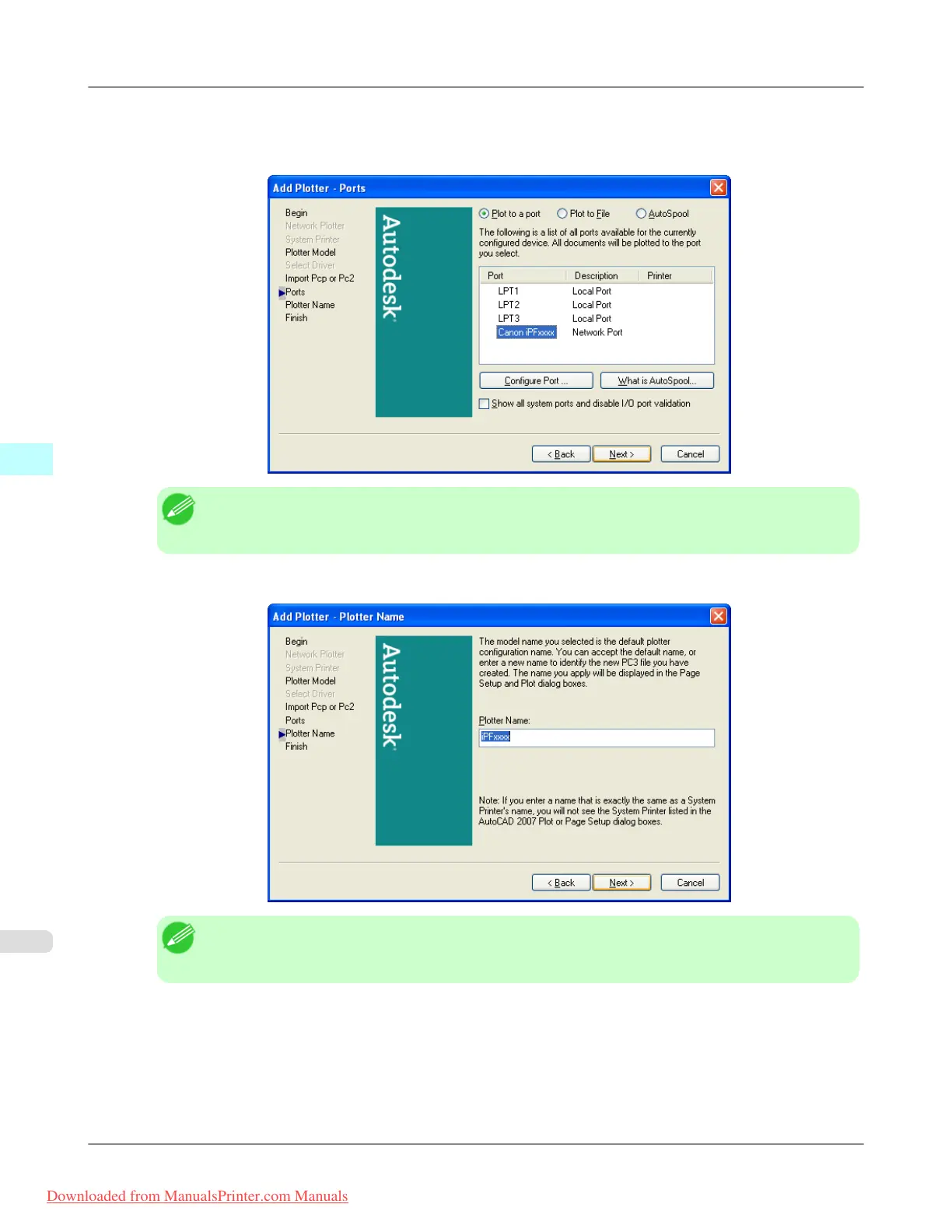
9. The Add Plotter - Ports screen opens.
Make
sure that Plot to a port is selected, select the port that you want to use for the plotter, then click the
Nextbutton.
Note
• In
the Add Plotter - Ports screen, it is recommended to select Network Port. If you select Local
Port, the AutoCAD warning message may appear when printing.
10. The Add Plotter - Plotter Name screen opens. Click the Nextbutton.
Note
• You
can change the Plotter Name setting here, but you will normally leave it as it is and go to Step
11.
Windows Software
>
HDI Driver
>
Installing with the Add-A-Plotter Wizard iPF815
4
366
Downloaded from ManualsPrinter.com Manuals














 To Next Page