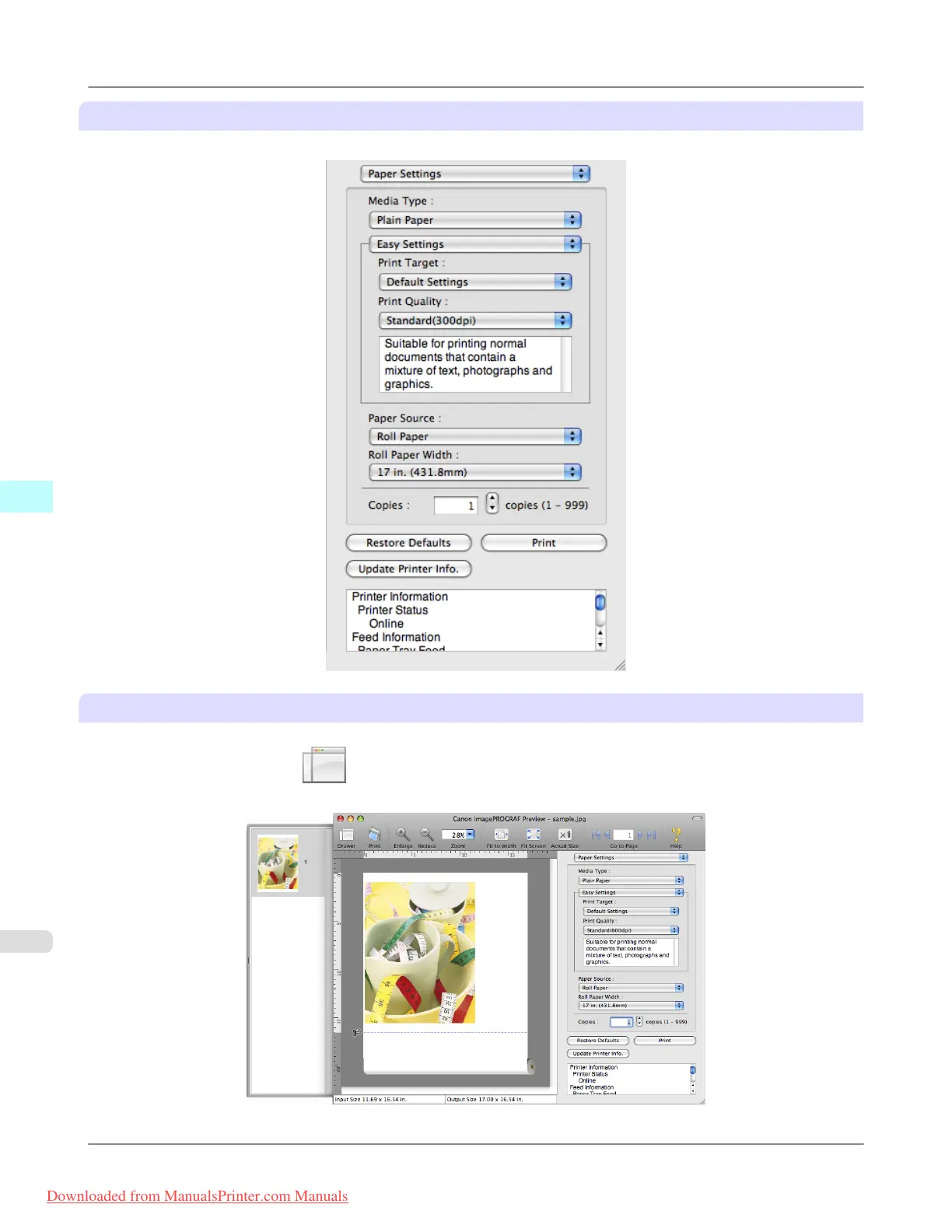
Dialog Area
This allows you to set the print conditions and perform a print job.
Drawer Area
This allows you to display the thumbnails of a document.
This area appears when you click Drawer from the tool bar.
Alternatively, you may select Drawer from the View menu.
Mac OS X Software
>
Preview
>
Preview Main Window iPF815
5
456
Downloaded from ManualsPrinter.com Manuals














 To Next Page