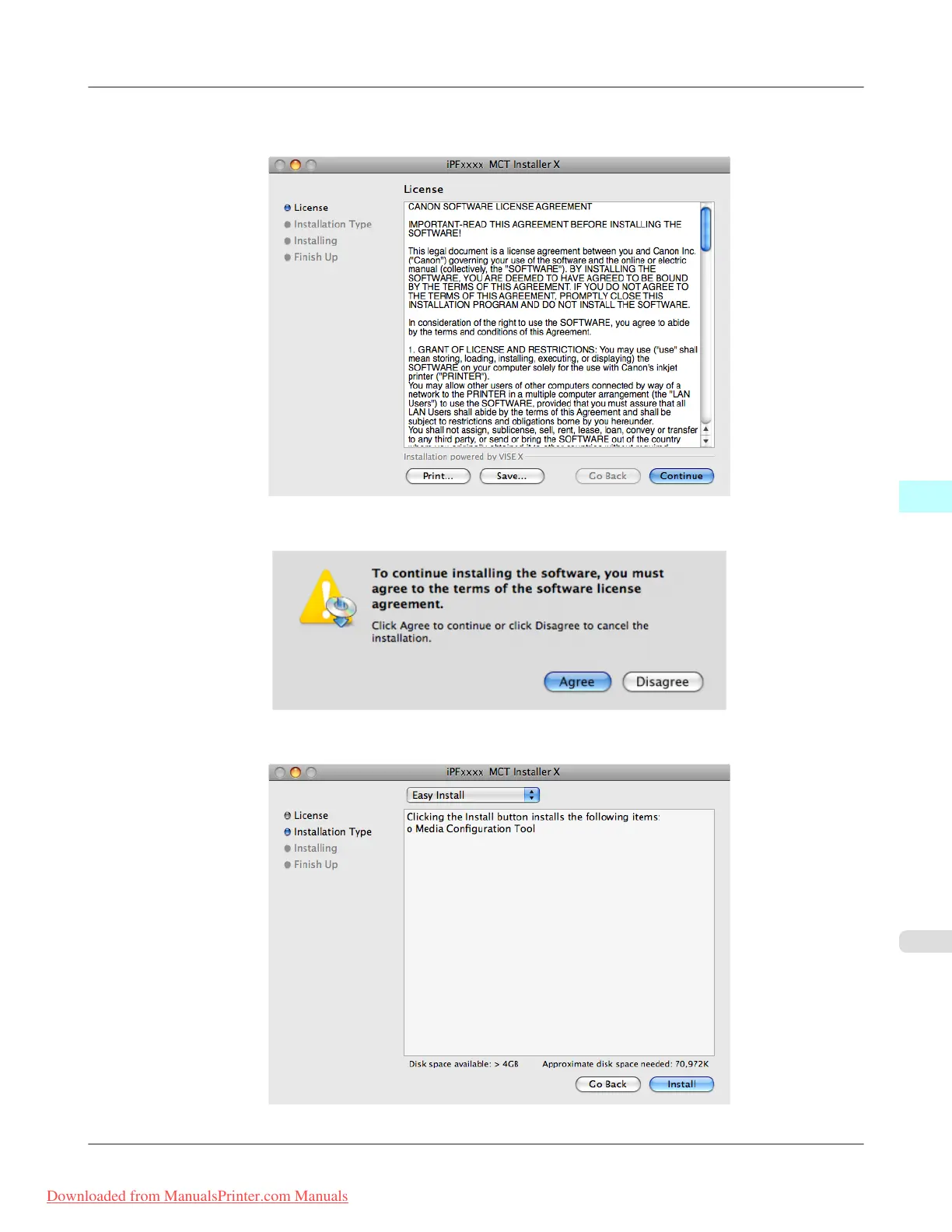
4. The License is displayed.
After you have read Canon Software License Agreement, click the Continue button.
5. Click the Agree button.
6. Select Easy Install then click the Install button.
Mac OS X Software
>
Media Configuration Tool
>
iPF815 Procedures for Installing
5
541
Downloaded from ManualsPrinter.com Manuals














 To Next Page