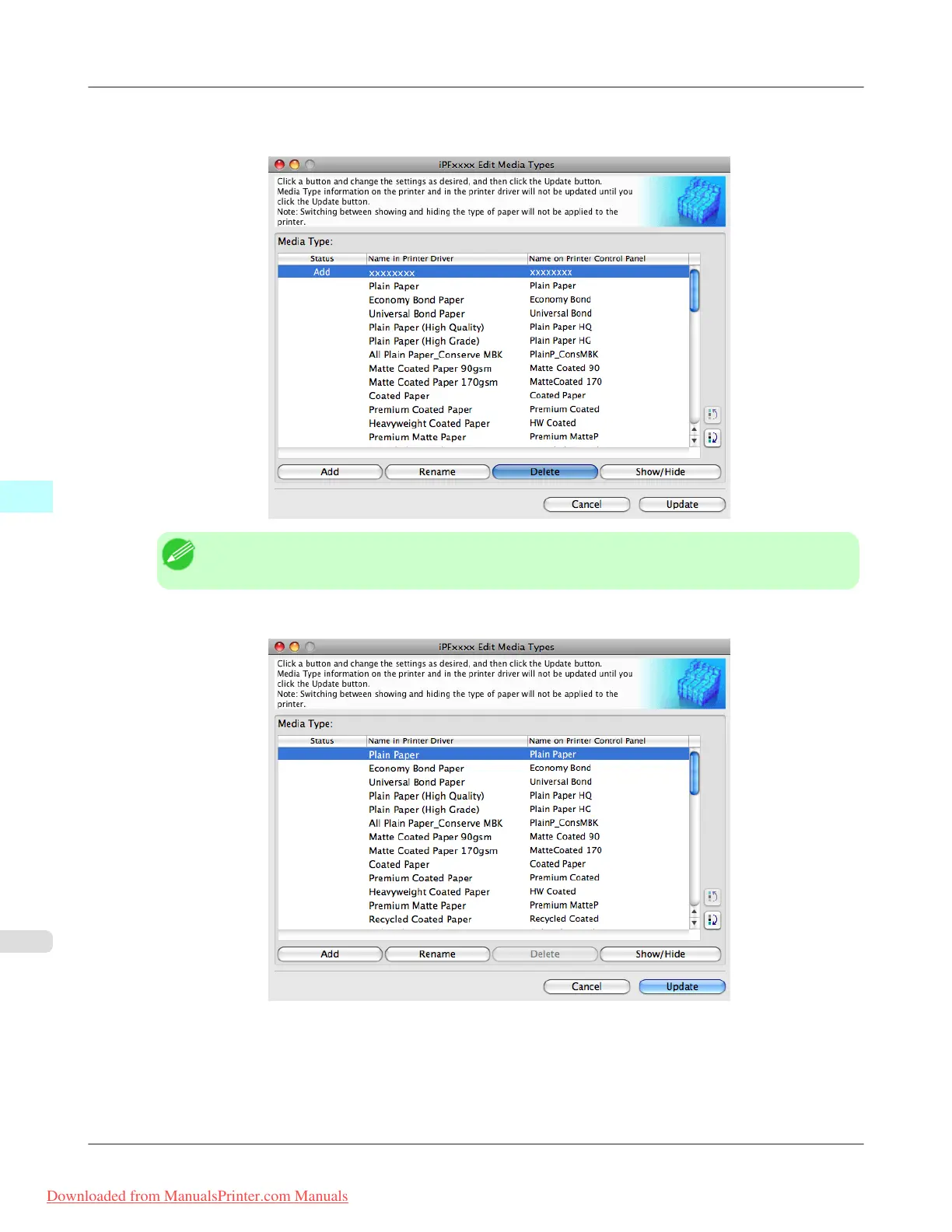
2. In the Media Type list, select the name of the media to delete.
Click the Delete button.
Note
• Only paper for which Status in the Media Type is Add can be deleted.
3. In the Edit Media Types dialog box, click the Update button.
Mac OS X Software
>
Media Configuration Tool
>
Deleting Media Types You Have Added iPF815
5
554
Downloaded from ManualsPrinter.com Manuals














 To Next Page