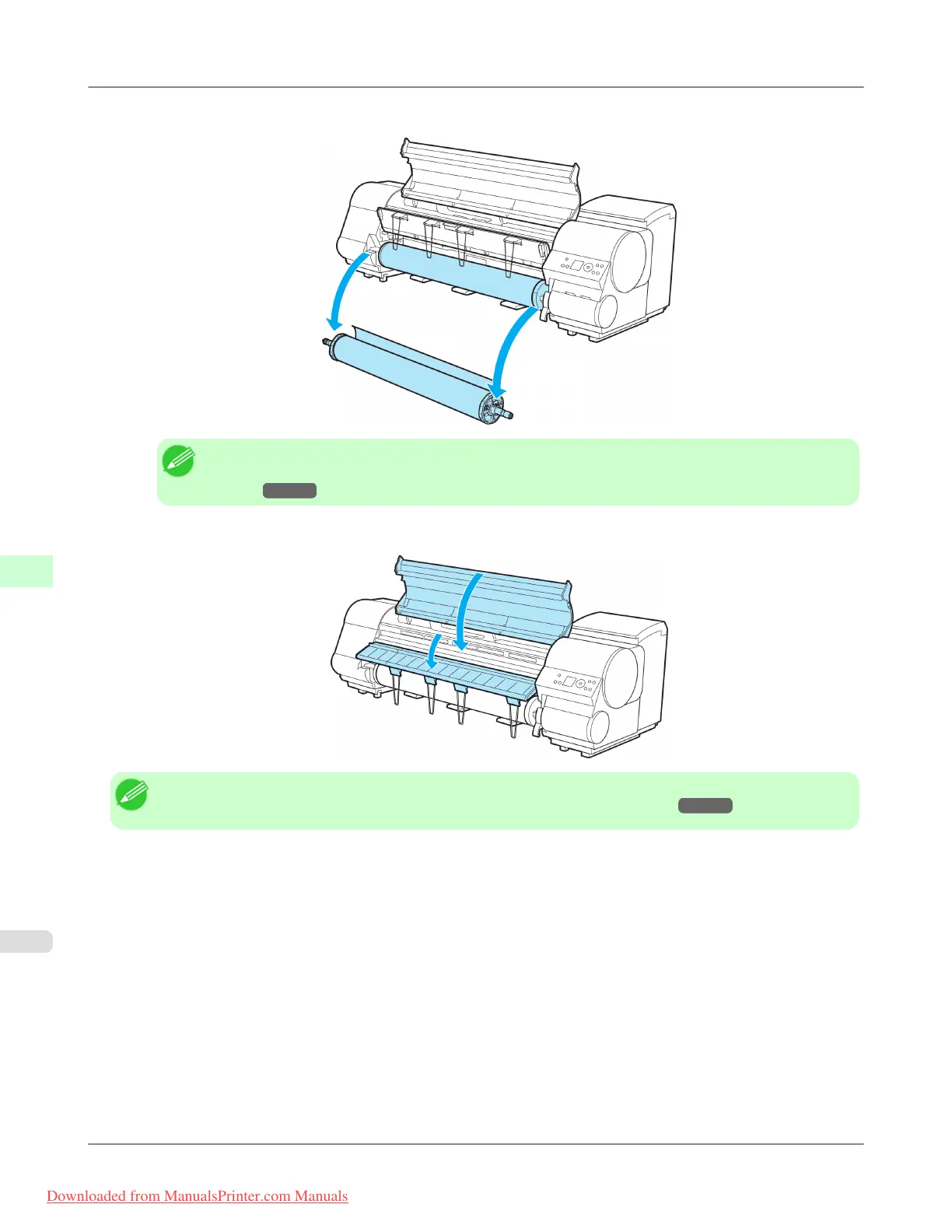
5. Remove the Roll Holder from the Roll Holder Slot.
Note
• For
instructions on removing the Roll Holder from rolls, see "Removing the Roll Holder from
Rolls."
→P.637
6. Lower the Ejection Guide and close the Top Cover.
Note
• To load new paper in the printer at this point, see "Loading Rolls in the Printer." →P.628
Handling Paper
>
Handling rolls
>
Removing the Roll from the Printer iPF815
7
636
Downloaded from ManualsPrinter.com Manuals














 To Next Page