Important
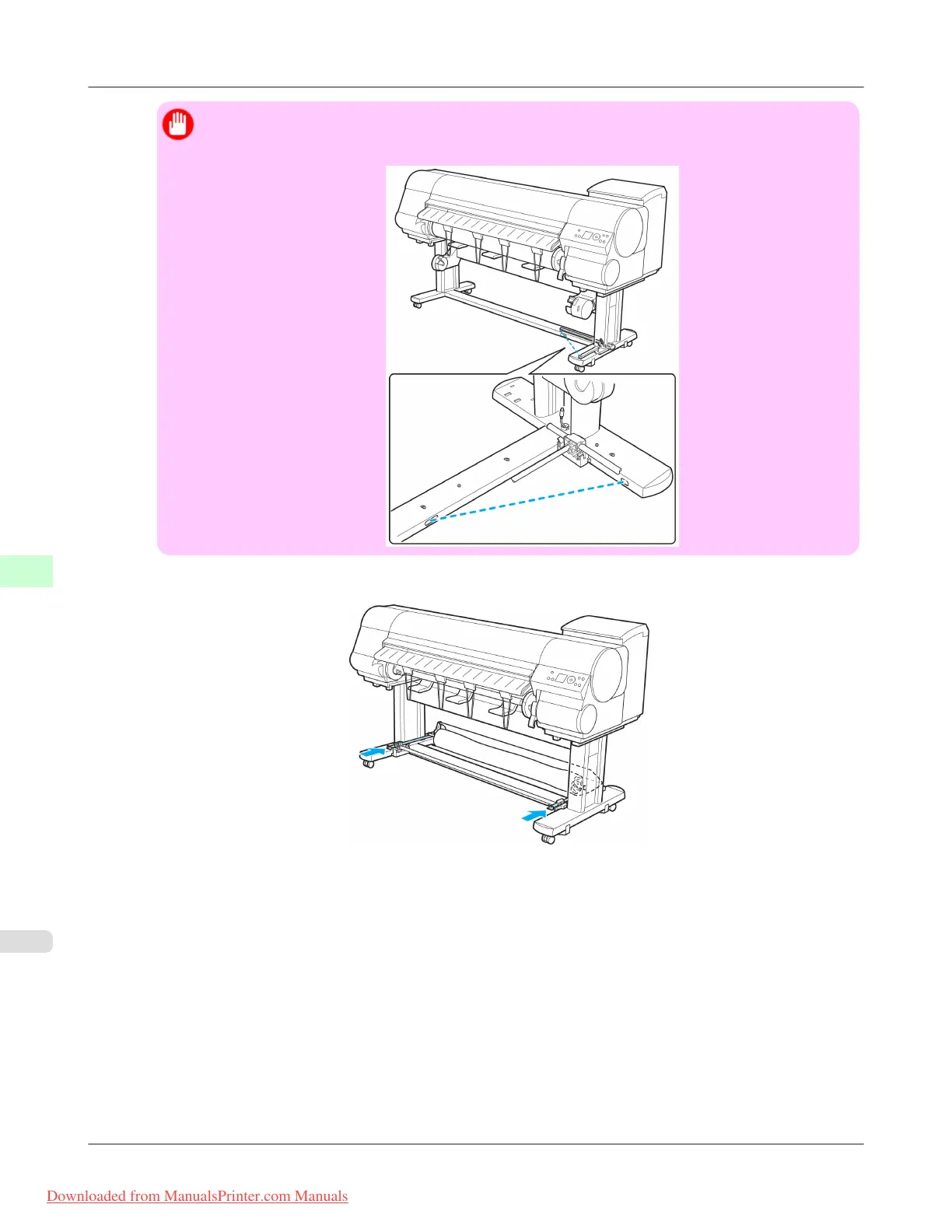
• When
using the optional Media Take-up Unit, position the Basket Cloth and Basket Rod so they do
not interfere with the Media Take-up Sensor (indicated by the dashed line).
3. Push in the left and right Basket Arm toward the back all the way, until they stop.
Handling Paper
>
Output Stacker
>
Stowing the Stationary Output Stacker iPF815
7
662
Downloaded from ManualsPrinter.com Manuals














 To Next Page