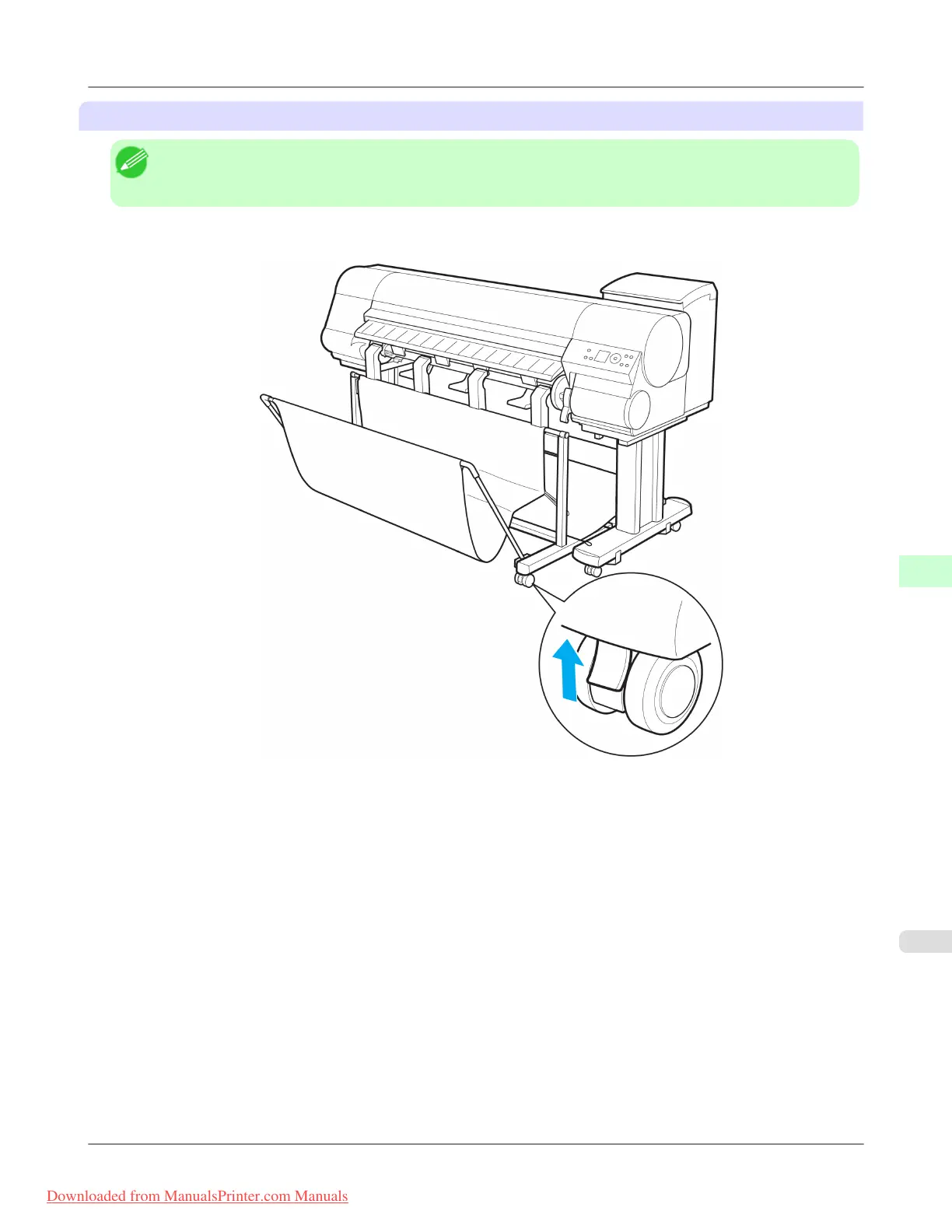
Removing the Wheeled Output Stacker from the printer
Note
• If
there is not enough space to move the Wheeled Output Stacker, remove any printed documents inside the
Output Stacker and fold the Output Stacker up.
1. Release the caster lock.
Handling Paper
>
Output Stacker
>
iPF815 Using the Wheeled Output Stacker
7
665
Downloaded from ManualsPrinter.com Manuals














 To Next Page