Note
• If the Ink Lamp is not lit in red, reload the tank.
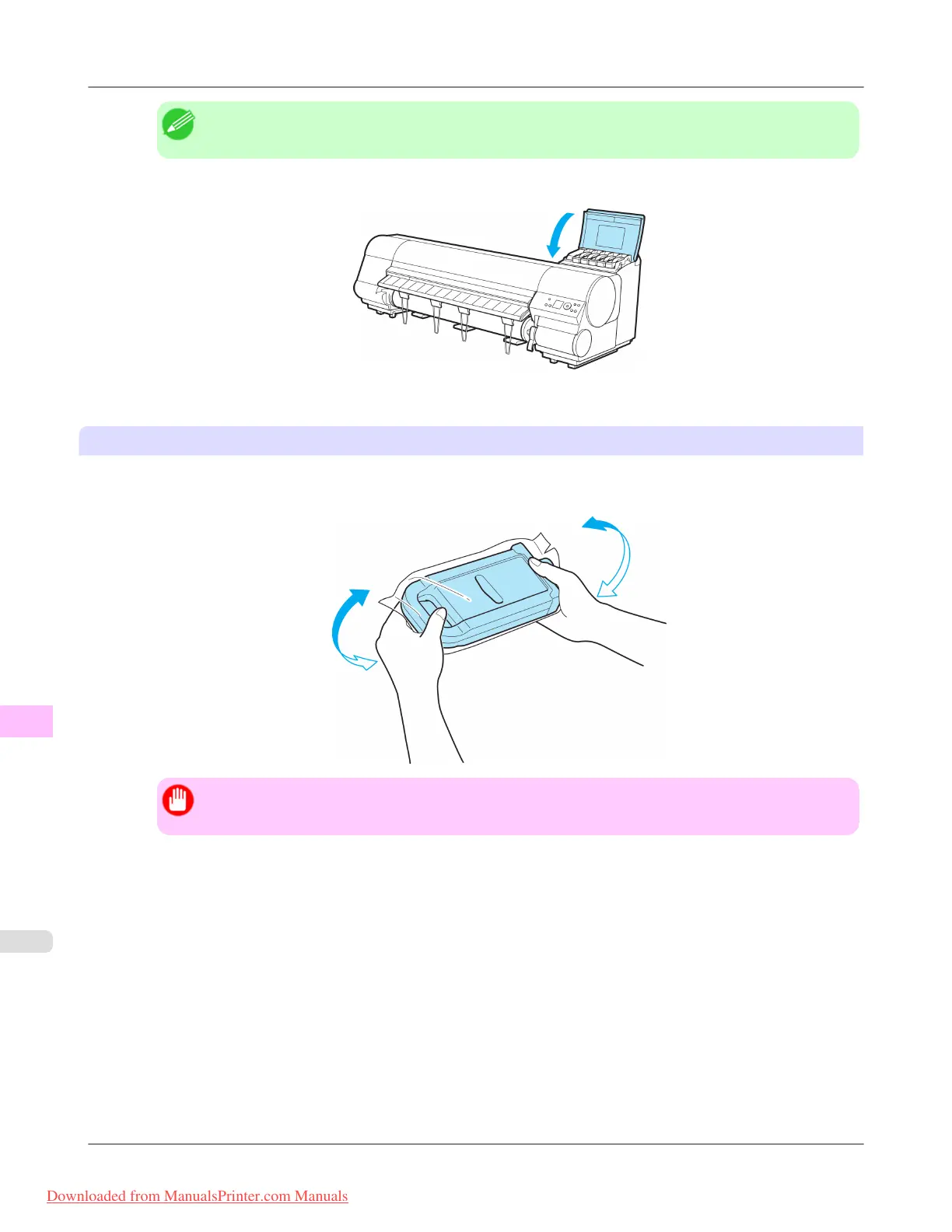
6. Close the Ink Tank Cover.
The printer will go online or offline.
Load the ink tank (700 ml)
1. Before
opening the pouch, hold the new Ink Tank with both hands and tilt it to the left and right as shown, shaking
gently it seven or eight times.
Important
• If you do not agitate the Ink Tank, the ink may sediment, which may affect printing quality.
Maintenance
>
Ink Tanks
>
Replacing Ink Tanks iPF815
11
812
Downloaded from ManualsPrinter.com Manuals














 To Next Page