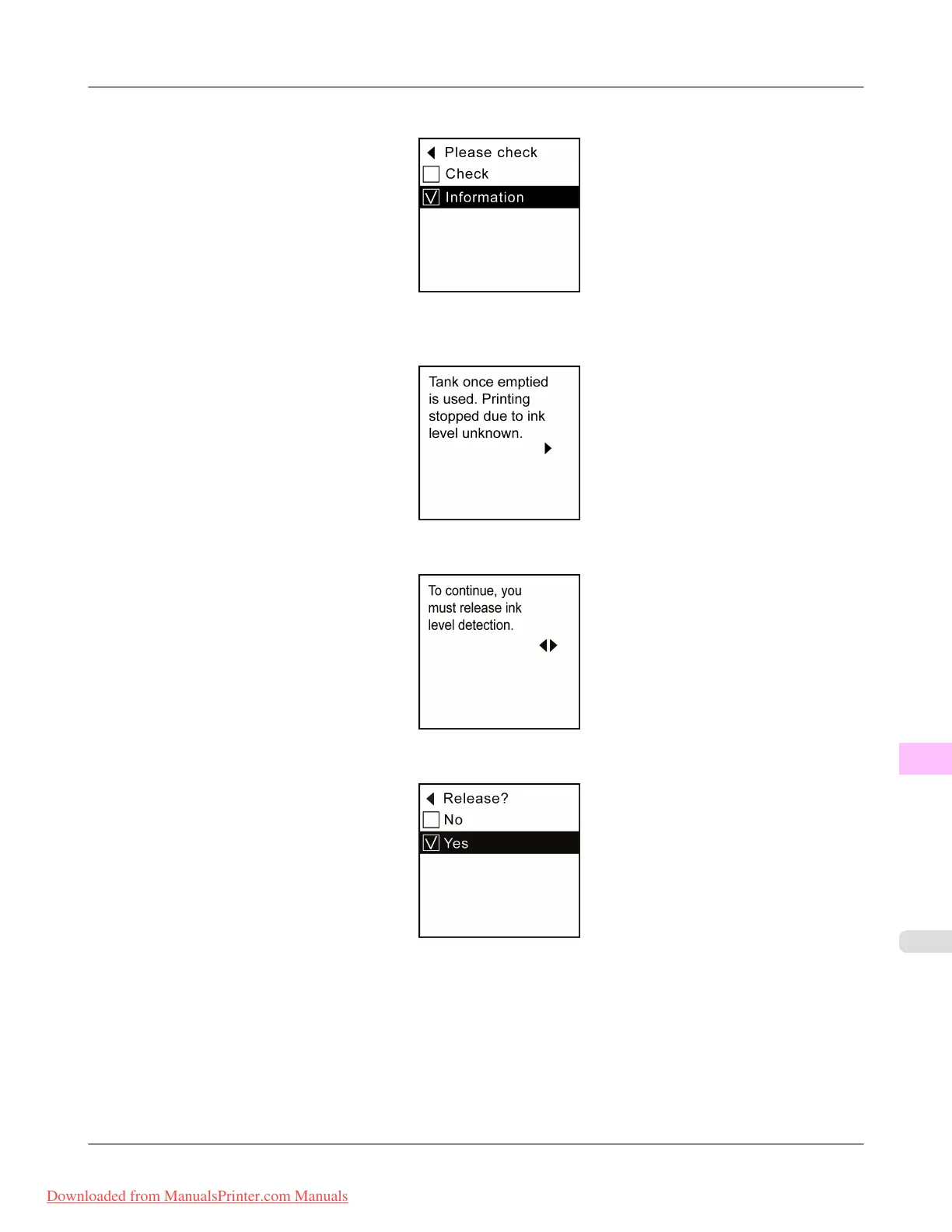
2. Press ▲ or ▼ to select Information, and then press the OK button.
3. A
confirmation message is shown on the Display Screen about disabling ink level detection. After checking the mes-
sage, press the ▶ button.
4. After checking the message, press the ▶ button.
5. Press ▲ or ▼ to select Yes, and then press the OK button.
Troubleshooting
>
Other problems
>
iPF815 Ink level detection
12
887
Downloaded from ManualsPrinter.com Manuals














 To Next Page