LASER CLASS 730i/720i/710 Chapter 4: Maintenance and Service
4-71
6.2 Test Mode Flowchart
To operate the test mode, after pressing the Data registration button, press the # button and
select “SERVICE MODE”. After this, select “TEST MODE” with the search buttons, and press
the Set button.
To end test mode, press the Stop button followed by the Clear button.
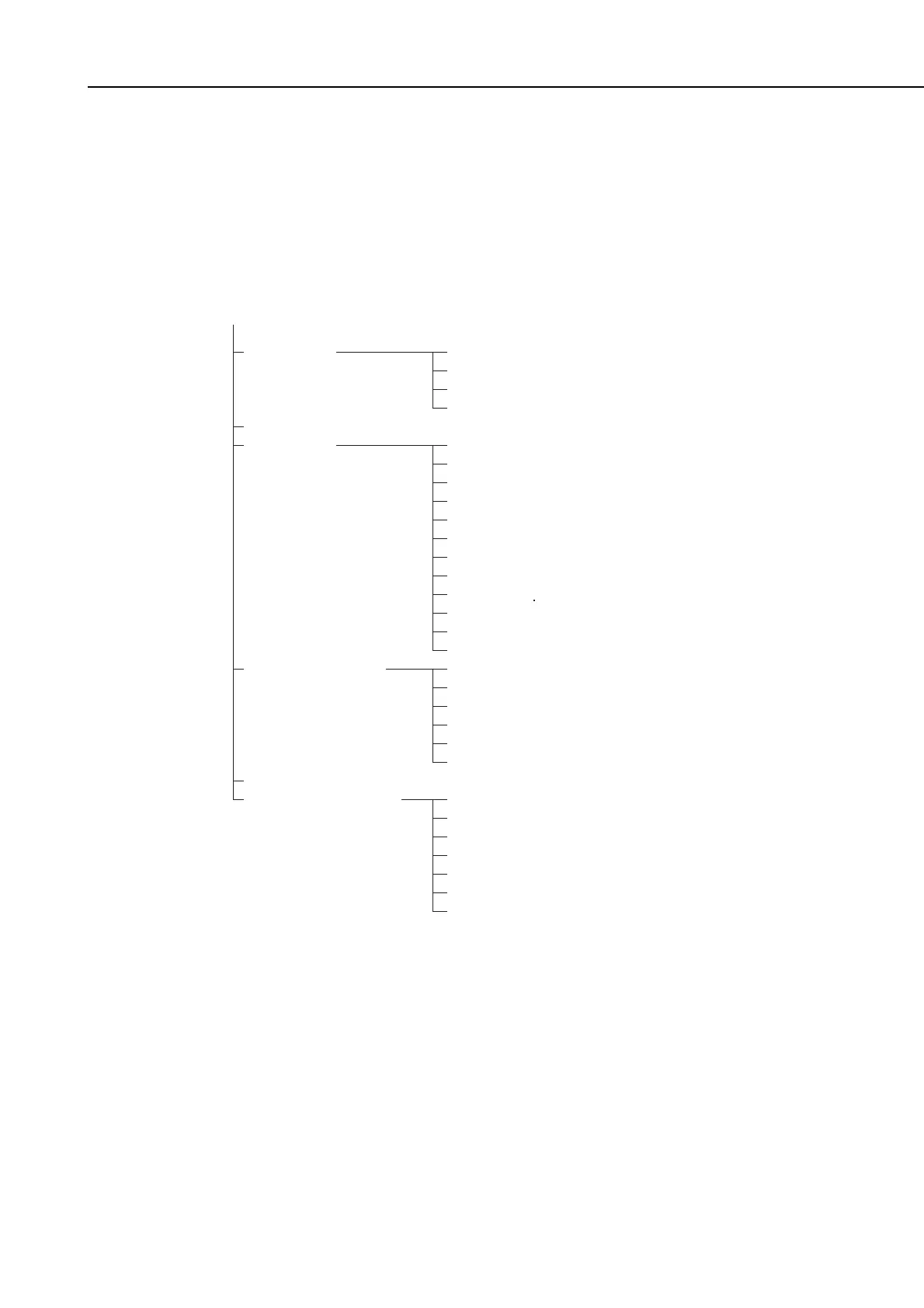
Figure 4-25 Test Mode Menu
[1] D-RAM
[2] CCD TEST
[3] PRINT
[4] MODEM NCU
[5] AGING TEST
[6] FACULTY TEST
[1] D-RAM
[2] D-RAM
[3] I-RAM
[4] OPT MEM
[0] AMI PT
[1] WHT
[2] BLK
[3] STRPS
[4] CHKRS
[5] CHKRS2
[6] ENDUR
[7] BK/WHT
[8] BIAS
[9] CHKRS3
[*] PRT AR
[#] CRG
[1] RELAY
[2] FREQ
[4] G3 Tx
[5] DTMF Tx TEST
[6] TONE Rx
[8] V.34 G3 Tx TEST
[1] G3 4800BPS Tx
[3] SENSOR
[4] ADF
[5] STAMP
[6] SPEAKER
[7] OPERATION PANEL
[9] LINE DETECT
TEST MODE
“ ” indicates that these items
are not used in the field.
*
*
*
*
*
*
*
*
*
*
*
*
*
*
*
*
*
*
*
*
manuals4you.commanuals4you.com









 To Next Page