LASER CLASS 730i/720i/710 Chapter 5: Appendix
5-3
2. USER DATA FLOW
2.1 User Data Flow (by Operation Panel)
Open the one-touch cover, and then press the Data Registration button.
Those items in the flow marked out by dotted lines are displayed or enabled when the
appropriate option is installed or the service soft switch is appropriately set. Note that not all
items are necessarily used by the fax machine.
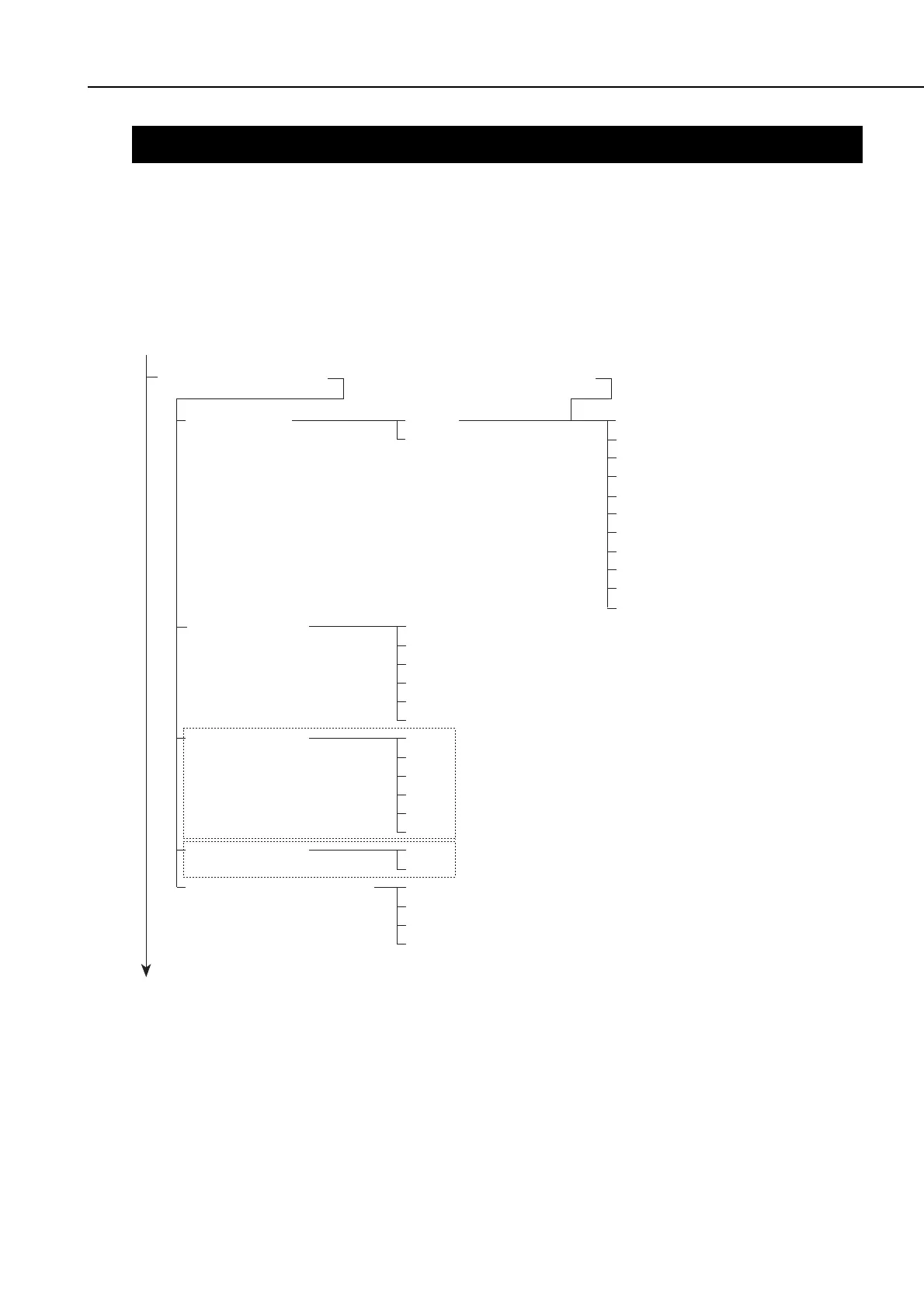
Figure 5-2 User Data Flow 1
1. PAPER SETTINGS *1 From User Data Flow 2
Data Registration
1. MP TRAY
2. CASSETTE 1
3. CASSETTE 2
4. CASSETTE 3
3.(4. or 5.) PAPER TYPE
USE
DO NOT USE
LTR
LGL
EXECUTIV
A4
A5
B5
LTR
LGL
EXECUTIV
A4
A5
B5
LTR
A4
PLAIN PAPER
HEAVY PAPER
THIN PAPER
HEAVY PAPER H
LTR
LGL
EXECUTIV
COM10
MONARCH
DL
ISO-B5
ISO-C5
A4
B5
A5









 To Next Page