LASER CLASS 730i/720i/710 Chapter 4: Maintenance and Service
4-72
6.3 D-RAM Tests
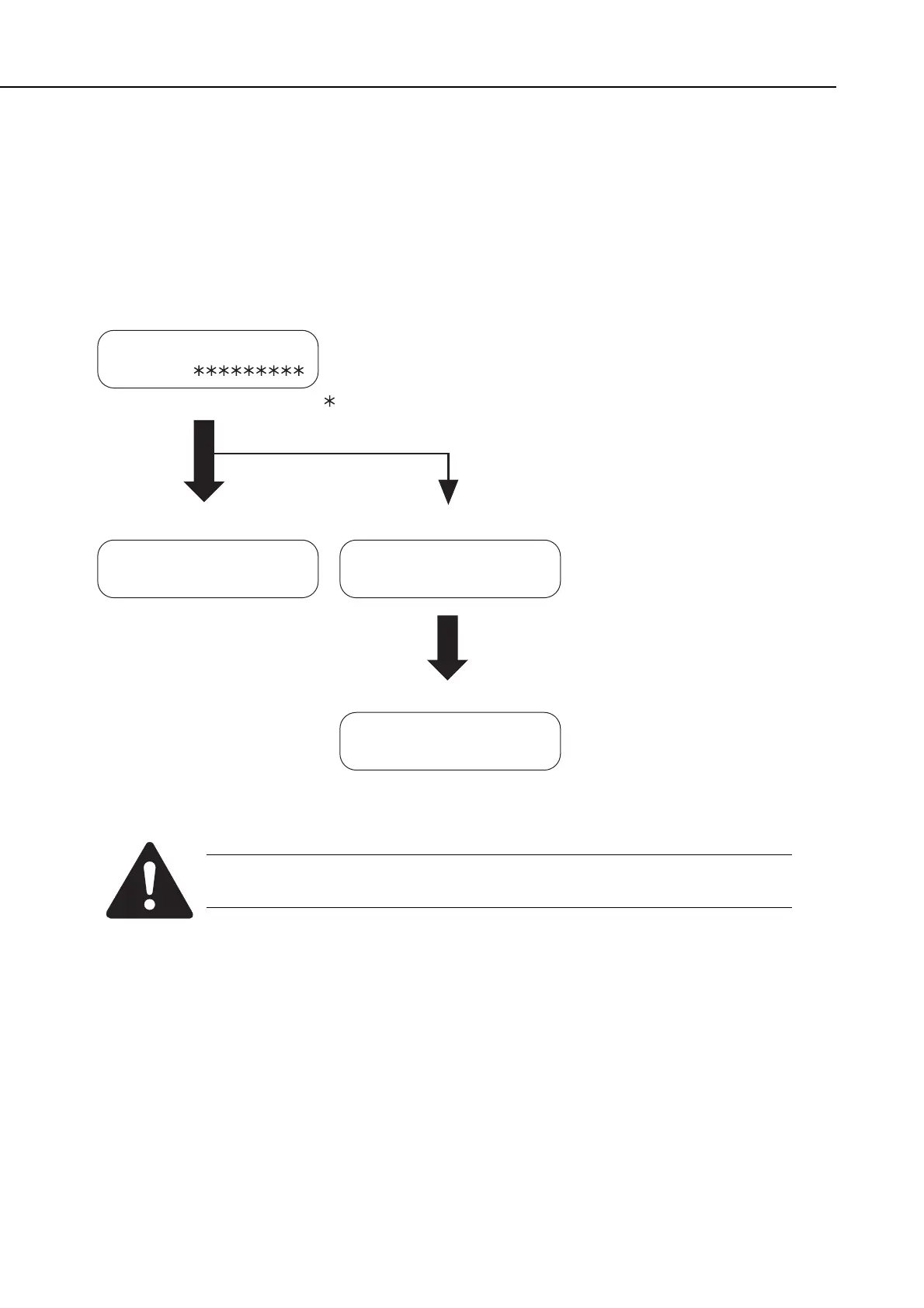
D-RAM test menu is selected by pressing the numeric button 1 from the test mode menu. D-
RAM Test 1 writes data to the entire D-RAM region and reads it out to check that operations
are correct. D-RAM Test 2 just reads data at high speed. This test can be used to check
operations when optional memory has been added.
Figure 4-26 D-RAM Test
Before D-RAM test, output all image data in image memory. When D-RAM
test is performed, all image data are cleared.
13312K: D-RAM total memory capacity (bytes)
(46080K: When 32 Mbyte memory added)
Operating
Normal end
Error
Error display
Restart by pressing
Start button
Error display
WRT: data written
RD: data read
ADR: address
1: D-RAM 13312K
. . . .
1: D-RAM 13312K
complete (no error)
WRT=33CC RD=33EC
ADR=BF840201
1: D-RAM 13312K
complete (error)
: Indicates an address for which write testing is complete.
. : Indicates an address for which read testing is complete.









 To Next Page