LASER CLASS 730i/720i/710 Chapter 5: Appendix
5-20
2.2 Printer Setting Menu
2.2.1 Printer setting menu registration/setting method
Printer settings can be registered/set by the following operations:
READY
FAX 07 / 04 / 2002 10:00
AUTO
Standby (date and time display)
PAUSED
PCL MENU
(5) Desired settings selection
Select the desired settings by pressing the Value button.
(2) Take the printer offline
Press the Go button.
PCL MENU
PAGESIZE=LETTER
(6) Data set
Press the Enter/Cansel button.
PCL MENU
PAGESIZE=LEGAL
Press the Go button to bring the printer back online.
PCL MENU
PAGESIZE=LEGAL
Press the PRT.Message button to return to standby.
READY
(3) Menu selection
Select the menu by pressing the Menu button.
(4) Item selection
Select the item by pressing the Item button.
(1) Printer mode selection
Press the Data PRT.Message button.
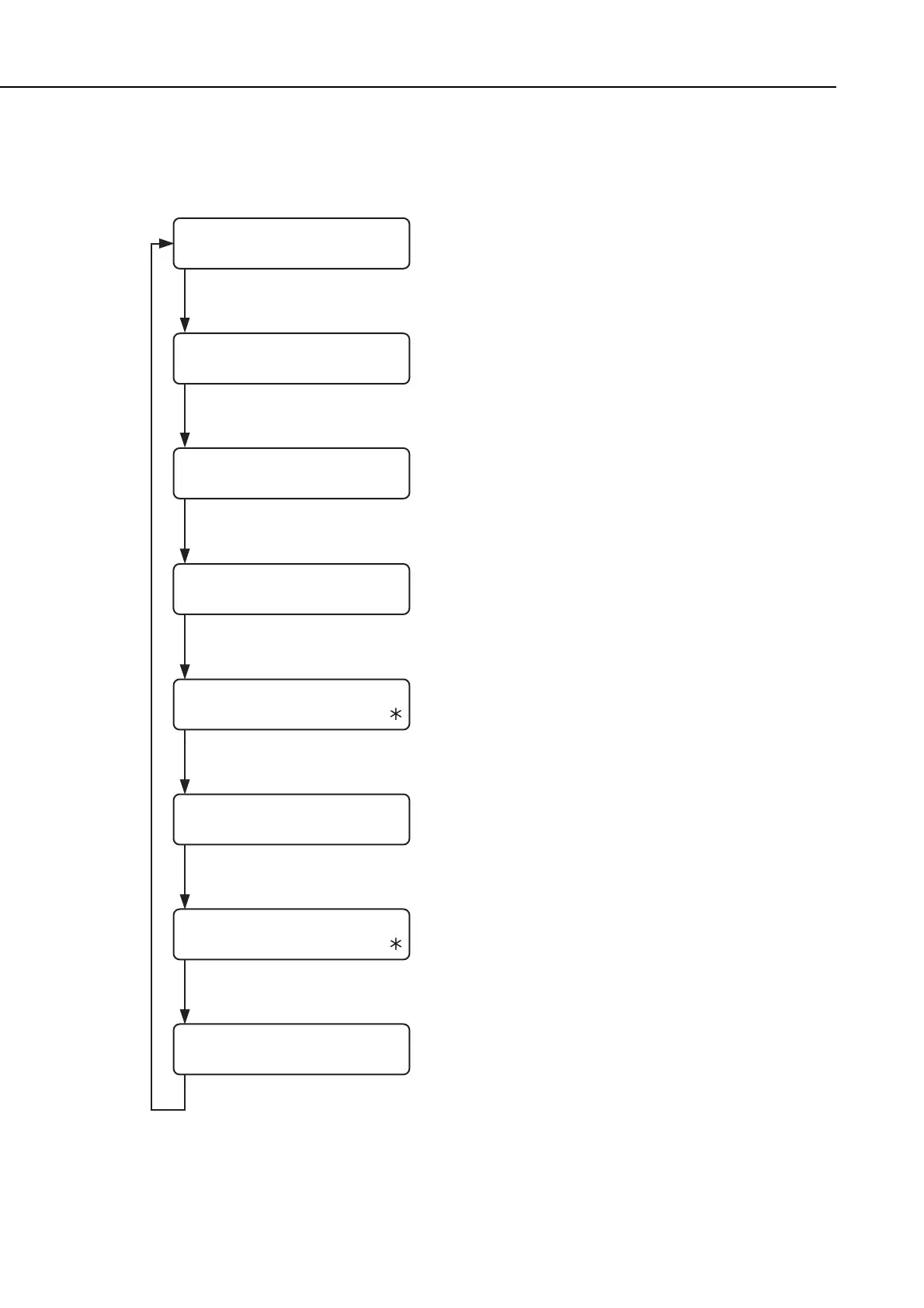
Figure 5-19 Printer Setting Menu Setting Method
manuals4you.commanuals4you.com









 To Next Page