LASER CLASS 730i/720i/710 Chapter 3: Assembly and Disassembly
3-4
1.4 All Clear (Action in the Event of Abnormality)
In the event of extreme noise or shock, etc., in very rate cases, the display may go out, and all
the keys become inoperable. In that case, perform an All Clear.
This operation returns all values and settings to their default settings. However, as all settings,
such as received images and user data, service data, etc., will be re-initialized, be sure to note
down any settings that you will need to re-enter later.
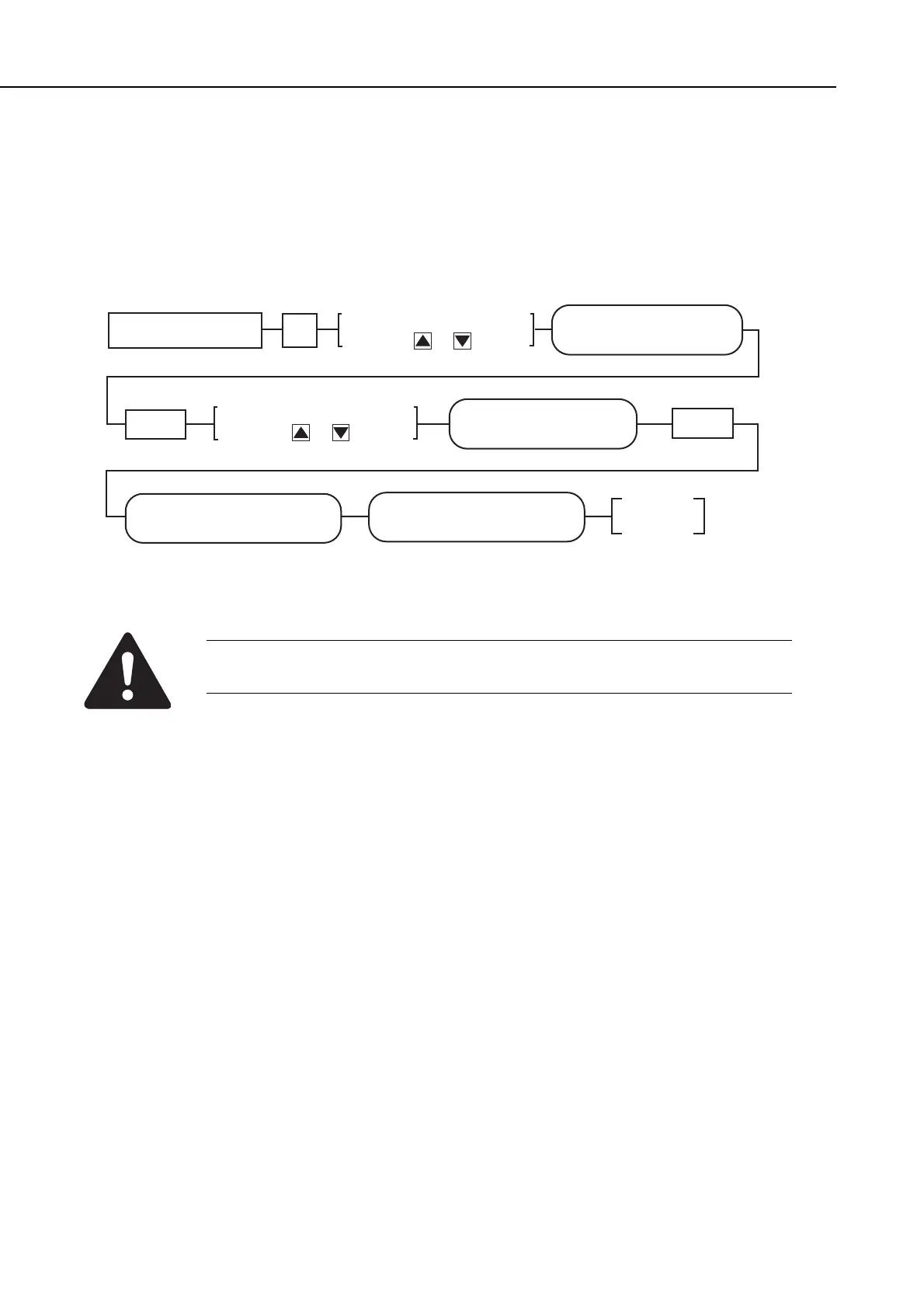
Figure 3-1 All Clear Operation
While waiting to return to the ready state after executing “All clear”, please
do not press the stop button. Doing so may cause a malfunction afterwards.
Standby
#12 CLEAR
CLEAR OK
PLEASE WAIT
Set
SERVICE MODE
#12 CLEAR
Data Registration #
Display #12 CLEAR by
pressing or button
Display ALL by
pressing or button
#12 CLEAR
ALL
Set
manuals4you.commanuals4you.com









 To Next Page