LASER CLASS 730i/720i/710 Chapter 4: Maintenance and Service
4-83
Press Start button.
H pattern displayed
6-7: OPERATION PANEL
HHHHHHHHHHHHHHHHHHHH
HHHHHHHHHHHHHHHHHHHH
Press Start button.
All LCD dots displayed
HHHHHHHHH
HH
Press Start button.
Press Start button.
Press Stop button to end the test.
All LED lamps light on
6-7: OPERATION PANEL
LED TEST
When the entire display
has gone out.
When the entire display
has gone out.
When a button is pressed, the corresponding
character goes out.
When a button is pressed, the corresponding
character goes out.
123456789*0# ABCDEFG
HIJKLMNOPQRSTUV
abcdefghijklmnopqrst
uvwx ABCDEFG
O K
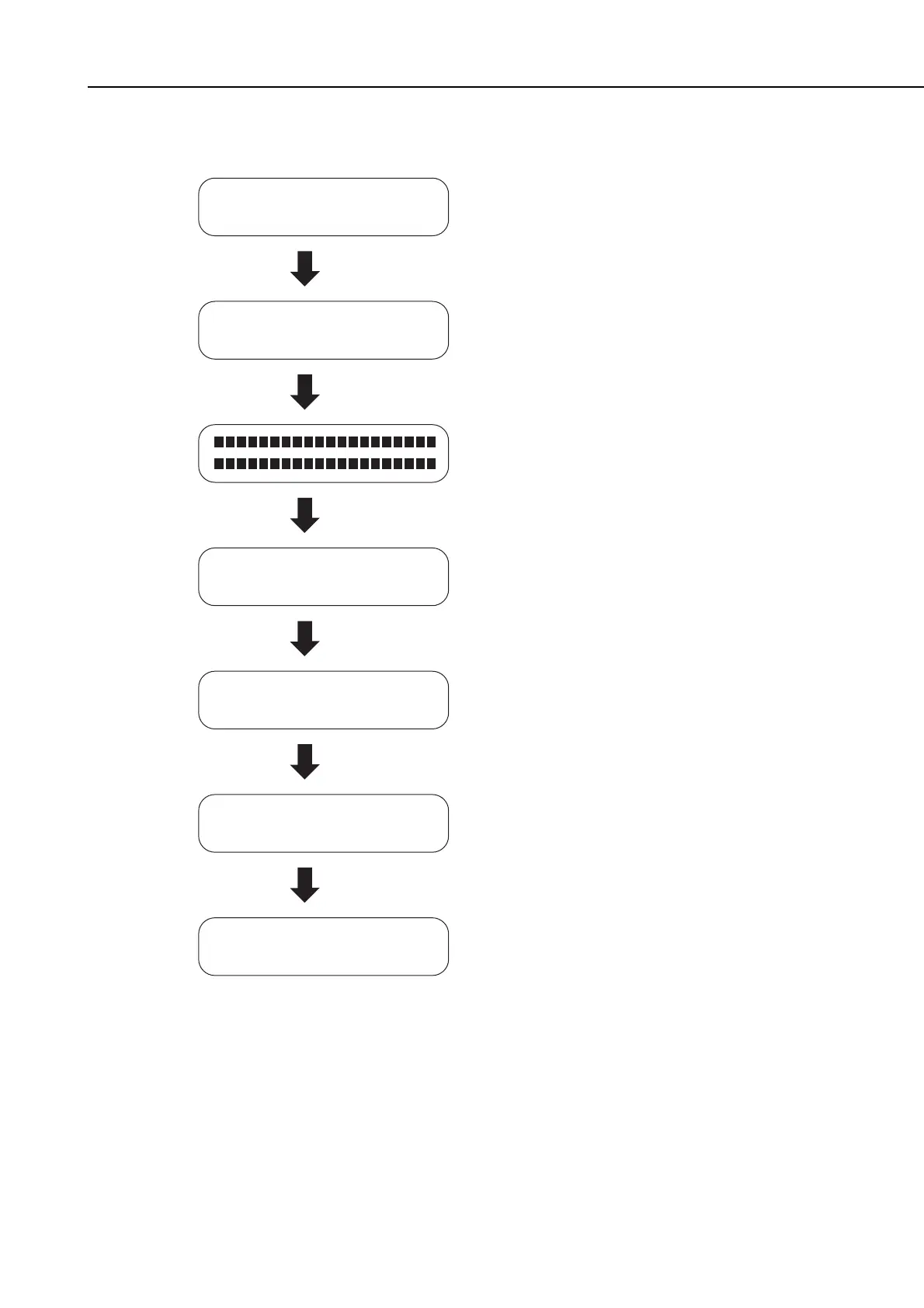
Figure 4-31 Operation Panel Test
manuals4you.commanuals4you.com









 To Next Page