LASER CLASS 730i/720i/710 Chapter 5: Appendix
5-67
b) Installation
b-1) Precautions
The kit cannot be installed if the Dual-line Upgrade Kit III has been already attached to the
main unit. In this case, remove the Dual-line Upgrade Kit III once, and attach again with
the kit.
See 3.8 Network Kit III before attaching the Network Kit III together with the kit.
The Option Memory can be attached to the kit. See b-7) Installing the Option Memory if
attaching.
b-2) Unpacking
Check that the box contains the PCL unit, cable (40-pin), flat cable, cable clip, core, air
shield, CD-ROM, setting guide and six screws.
b-3) Preparation
Perform the steps below before attaching the kit.
(1) Disconnect the modular cord (telephone line) from the fax.
(2) Disconnect the power cord of the fax unit at the power source.
Wait at least 10 minutes for the power supply unit to cool before continuing the work.
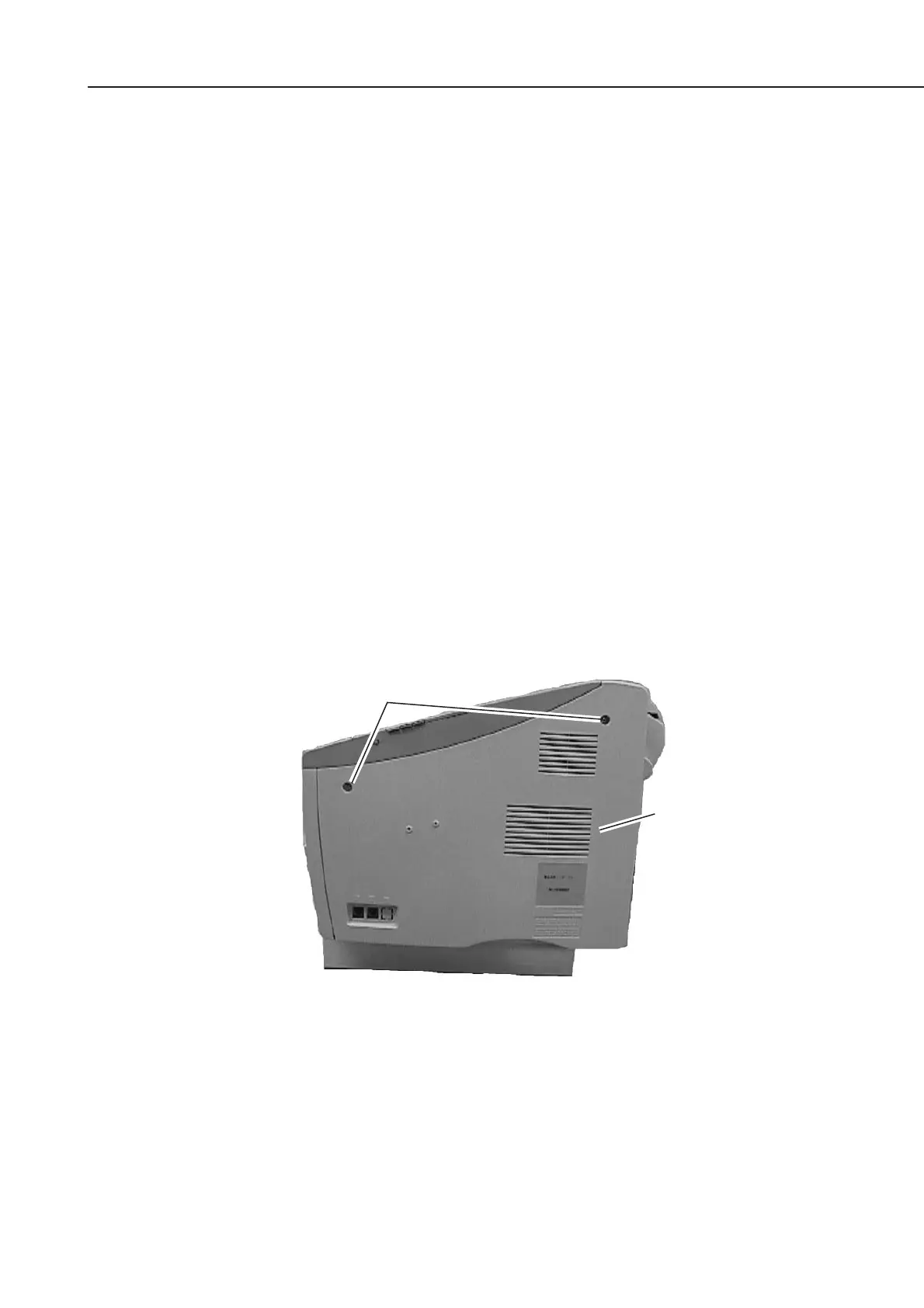
(3) Remove the two screws and remove the right cover.
Figure 5-73 Preparation for Installation 1
Screws
Right cover









 To Next Page