LASER CLASS 730i/720i/710 Chapter 1: General Description
1-24
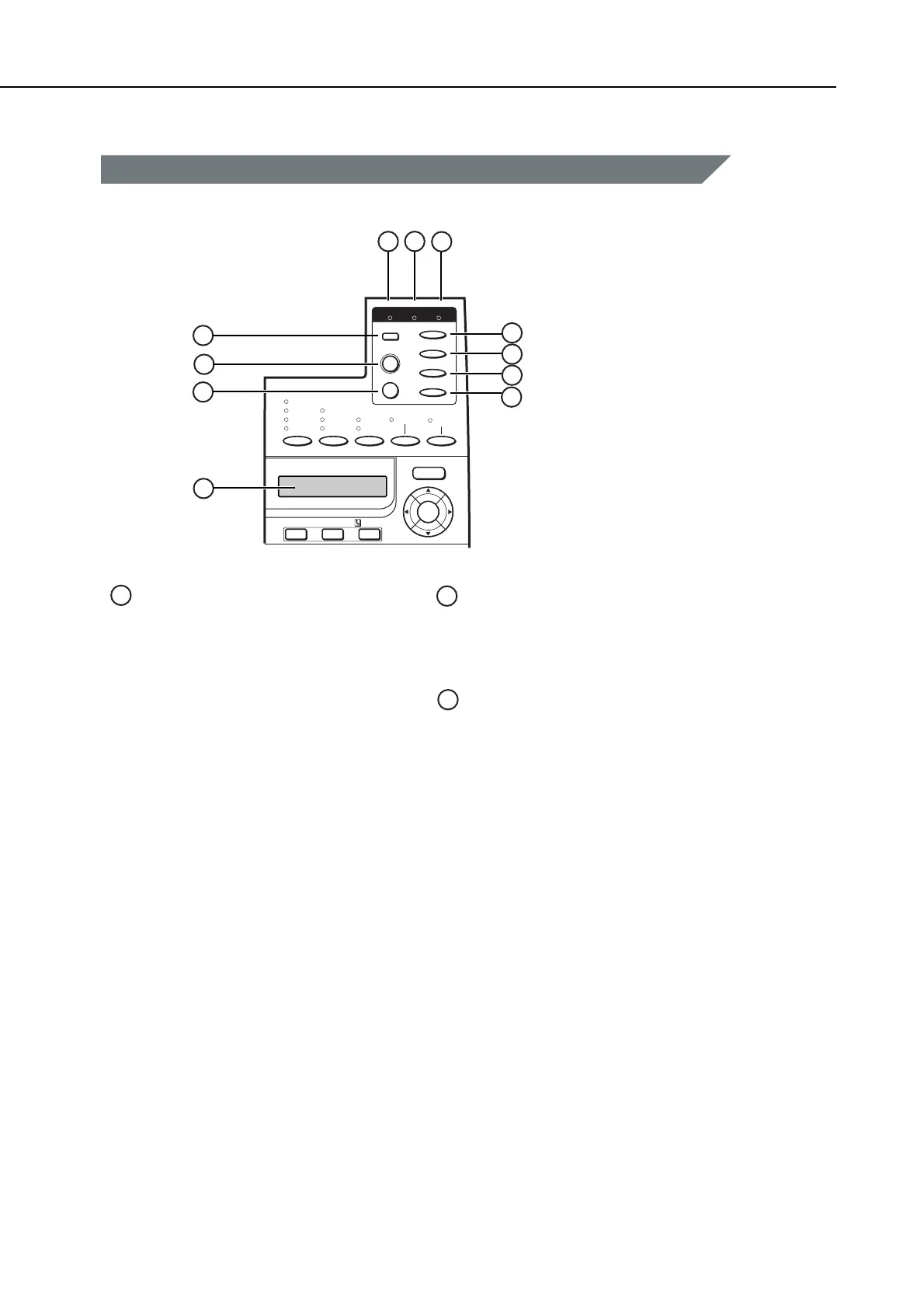
Figure 1-11 Operation Panel (6)
Enter / Cancel
Value
Shift
PRT.Message
Go
Item
Menu
On Line Job Alarm
Resolution
Utra Fine
Super Fine
Fine
Standard
Contrast
Document Type
Darker
Standard
Lighter
Text
Text/Photo
Direct TX
Counter
Check
Monitor
Fax / I-Fax
Set
Deleted File Directory
1
11
10
9
8
7
6
5
4
3
2
On Line Indicator
On:
The printer is online (the power is ON, and the
machine is warmed up and ready to receive data
for printing). Before you send a print job, this
indicator must be it.
Blinking:
The printer is processing a print job. Do not
disconnect the power cord, or you may lose print
data. The document is printed when all of the
data has been processed.
Off:
The printer is offline. You can now use the
operation panel keys to view and change
settings. When the printer is offline, the printer
cannot accept data for printing.
Job Indicator
On:
Part of a page has been processed and stored in
the printer's memory.
Off:
There is no data stored in the printer's memory.
Alarm Indicator
On:
An error has occurred and printing has stopped.
Check the display for a message indicating the
problem.
Off:
Operation is normal and there is no error.
If the printer enters the Energy Saver mode while
offline, only the Alarm indicator lights. The other
indicators on the operation panel are turned off.
1
2
3
manuals4you.commanuals4you.com









 To Next Page