Chapter 9 Scanning 93
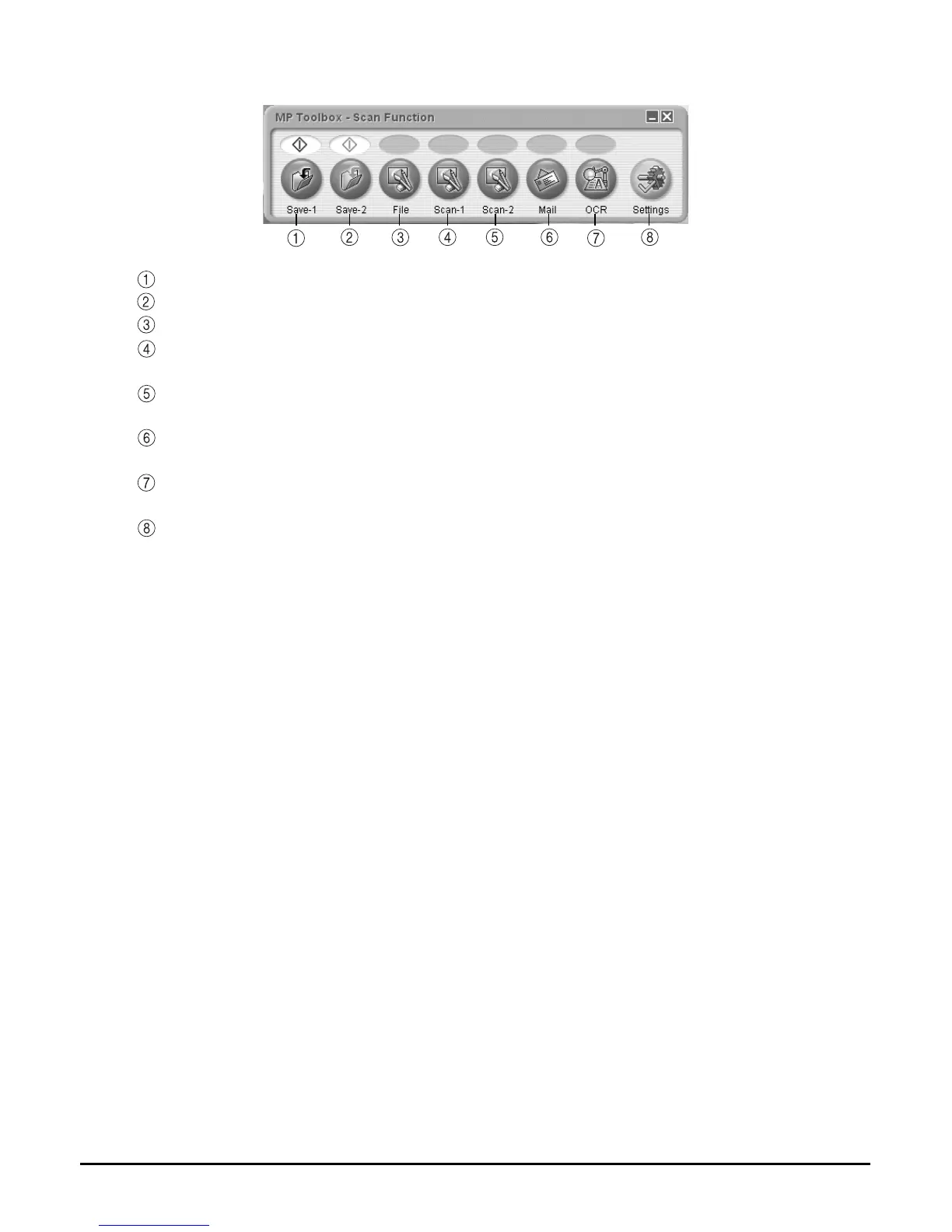
3 Click the MP Toolbox button to be used.
Save-1 The document is scanned in black & white, and saved.
Save-2 The document is scanned in colour, and saved.
File The document is scanned, and stored as a PDF file.
Scan-1 The document is scanned, and displayed in a registered application
software.
Scan-2 The document is scanned, and displayed in a registered application
software.
Mail The document is scanned, and the image is attached to an e-mail using an
e-mail application software.
OCR The document is scanned, and converted to text data by an OCR (Optical
Character Recognition) application software.
Settings When a scanner other than this machine is connected to the computer, this
button will allow you to select which scanner to use. Also, you can change
the correspondence between the MP Toolbox buttons and the [Black] and
[Color] keys.
When the utility software on the Setup CD-ROM are installed, one part will be registered in the
MP Toolbox buttons.
[OCR] button ScanSoft OmniPage SE
[Scan-1] button ArcSoft PhotoStudio














 To Next Page