Chapter 4 Copying 45
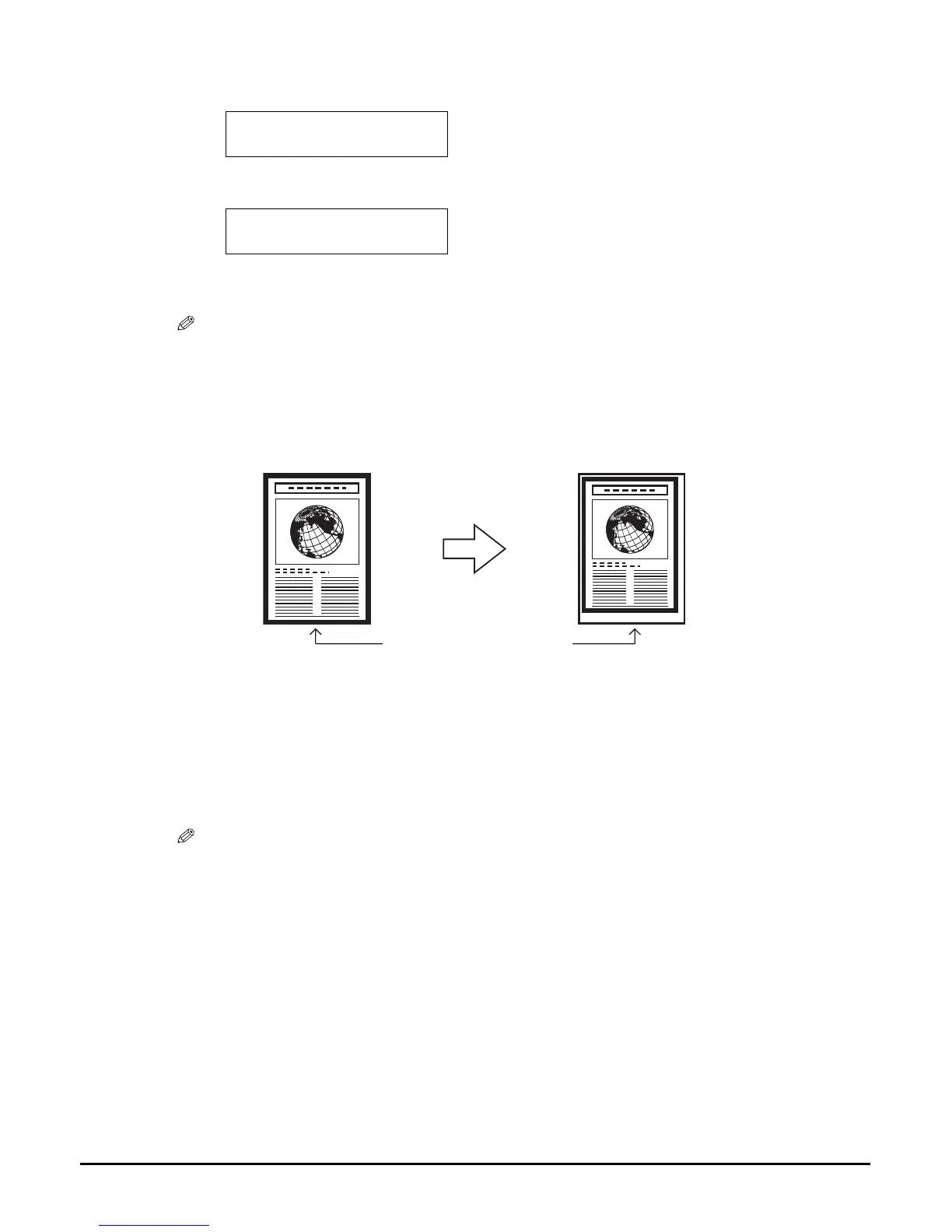
Shrinking an image to fit the page
If the image to be copied is larger than the print media, this feature will automatically reduce the
image to fit the print media size.
Follow this procedure:
6 Use [] or [] to select <MIRROR IMAGE>.
7 Press [OK/Set].
8 Press [Color] for colour copying, or [Black] for black & white copying.
NOTE
• To cancel copying, press [Stop/Reset].
1 Load the document on the platen glass.
2 Press [COPY].
3 Use [] or [] to select the number of copies (max. 99 copies).
NOTE
• For the number of sheets of paper you can load at a time in the multi-purpose tray, see page 16.
5.SPECIAL COPY
MIRROR IMAGE
Ex:
100% A4 NORMAL
01
MIRROR IMAGE
Same size print media














 To Next Page