Chapter 7 Becoming Familiar with the Software 86
Uninstalling the MP Drivers
Follow this procedure:
Reinstalling
After uninstalling the MP Toolbox and MP Drivers, install the software. (See Software Guide.)
1 Close any open software applications, including virus checkers.
2 Click [Start] on the taskbar, point to [(All) Programs], [Canon], and
[MP Drivers], then click [Uninstall Drivers].
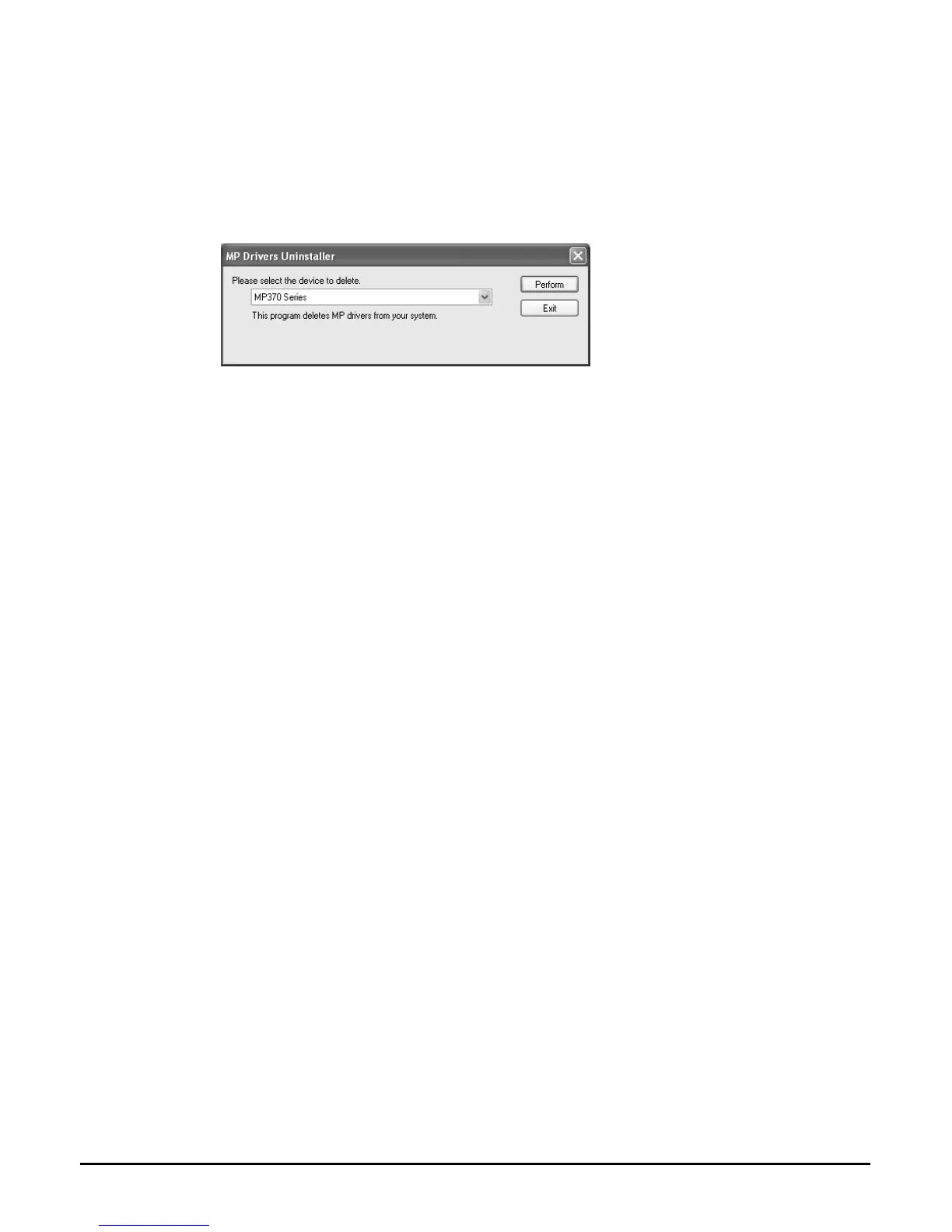
3 In [Please select the device to delete], select the name of this machine
([MP370 Series] or [MP360 Series]), then click [Perform].
4 Restart your computer if a message asking you to do so appears.
5 Disconnect the USB cable from the computer and the machine.
• When using Windows 2000, the [Unsafe Removal of Device] screen appears. Click [OK]. The
machine and the computer will not be adversely affected.














 To Next Page