Chapter 5 Photo Printing from a Memory Card (MP370) 61
Printing all images
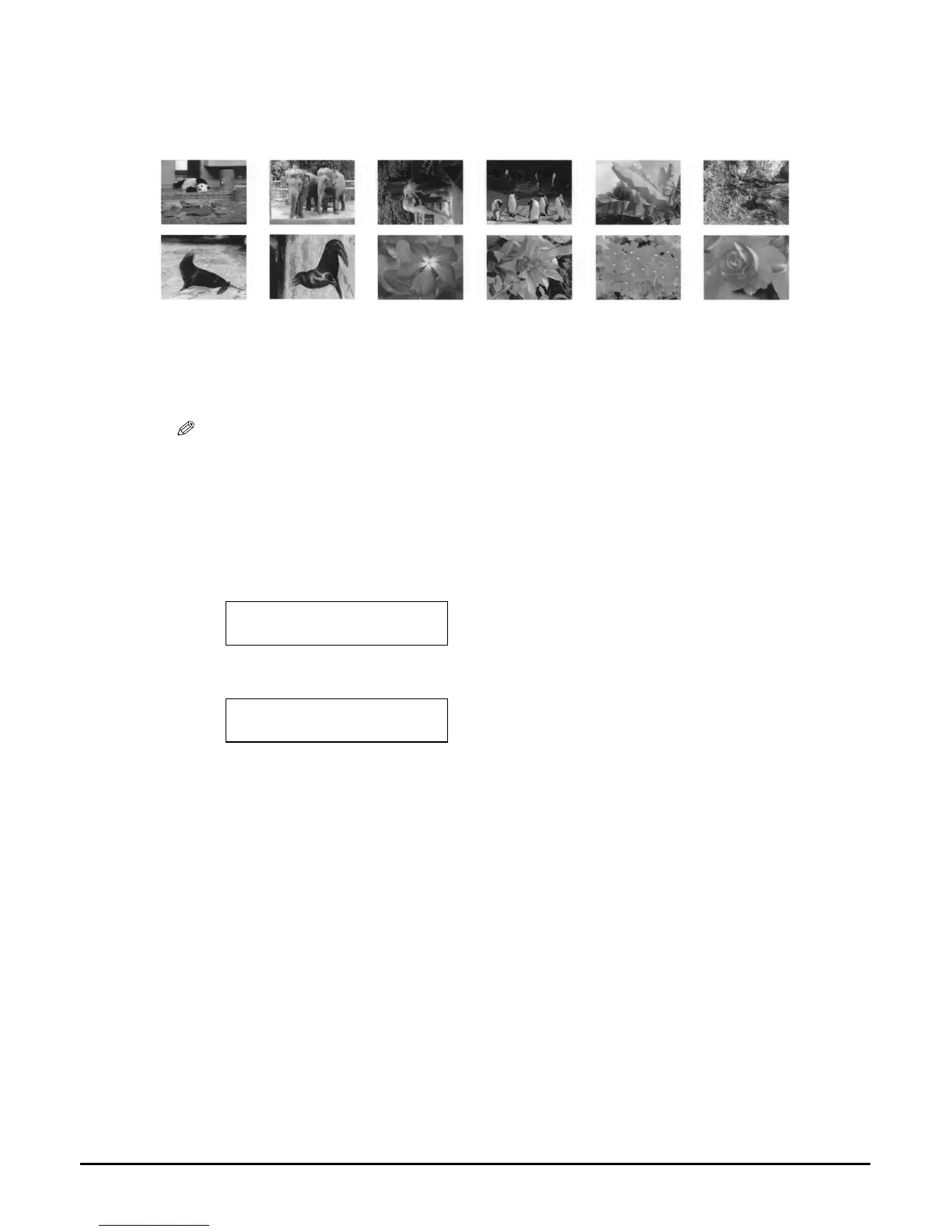
This printing method will individually print all photographs stored on a memory card.
Follow this procedure:
1 Turn ON the machine, and load the correct print media in the
multi-purpose tray.
NOTE
• For details on print media, see page 16.
• For details on how to load print media, see page 25.
2 Insert the memory card into the card slot. (See page 49.)
3 Press [PHOTO].
4 Press [Menu] repeatedly until <1.PHOTO PRINT MODE> appears.
5 Use [] or [] to select <ALL IMAGES>.
1.PHOTO PRINT MODE
*INDEX
Ex:
1.PHOTO PRINT MODE
ALL IMAGES














 To Next Page