Chapter 4 Copying 44
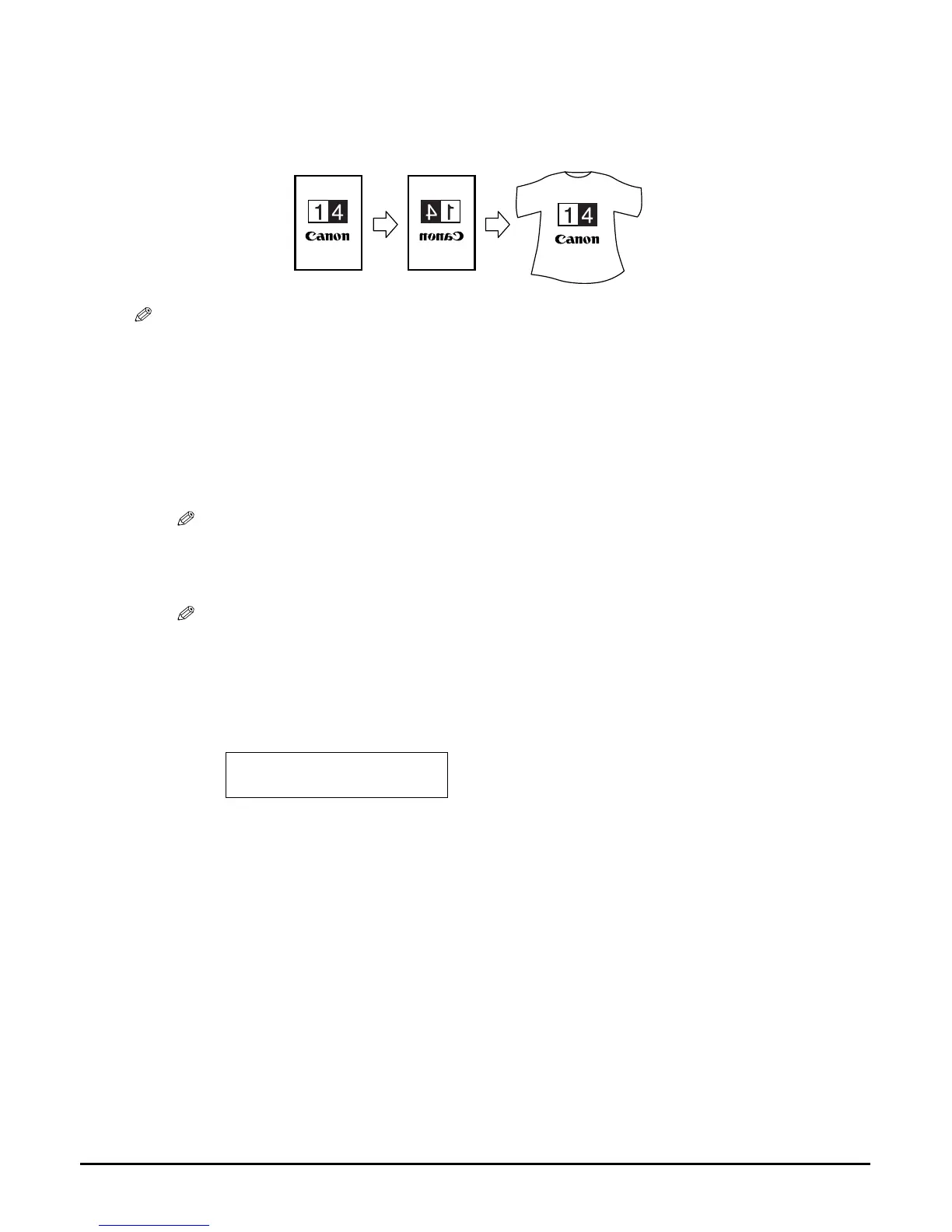
Creating a mirror image
This feature enables you to make a mirror copy of a document. Use this feature when copying onto
T-shirt transfers so that the image is oriented correctly when ironed onto fabric.
NOTE
• Use T-shirt transfers when the image will be ironed onto T-shirts. (See page 22.)
Follow this procedure:
1 Load the document on the platen glass.
2 Press [COPY].
3 Use [] or [] to select the number of copies (max. 99 copies).
NOTE
• For the number of sheets of paper you can load at a time in the multi-purpose tray, see page 16.
4 Adjust the settings for your document as necessary.
NOTE
• To select the print media size and type, see page 29.
• To select the image quality, see page 32.
• To select the scanning exposure, see page 33.
• To select the copy ratio, see page 33.
5 Press [Menu] repeatedly until <5.SPECIAL COPY> appears.
5.SPECIAL COPY
2 on 1














 To Next Page