Chapter 5 Photo Printing from a Memory Card (MP370) 75
DPOF (Digital Print Order Format) printing
This printing method prints photographs according to the DPOF settings specified on your digital
camera.
NOTE
• For information on how to set the DPOF functions, see the manual supplied with your digital camera.
The machine supports the following DPOF functions:
• Specified images printing
• Print style (individual photographs, index)
• Date or image number printing on individual photographs, date or image number printing on
index
• Number of copies to be printed
All other DPOF functions (shooting information, trimming, etc.) are not supported.
Follow this procedure:
1 Turn ON the machine, and load the correct print media in the
multi-purpose tray.
NOTE
• For details on print media, see page 16.
• For details on how to load print media, see page 25.
2 Insert the memory card. (See page 49.)
3 Press [PHOTO].
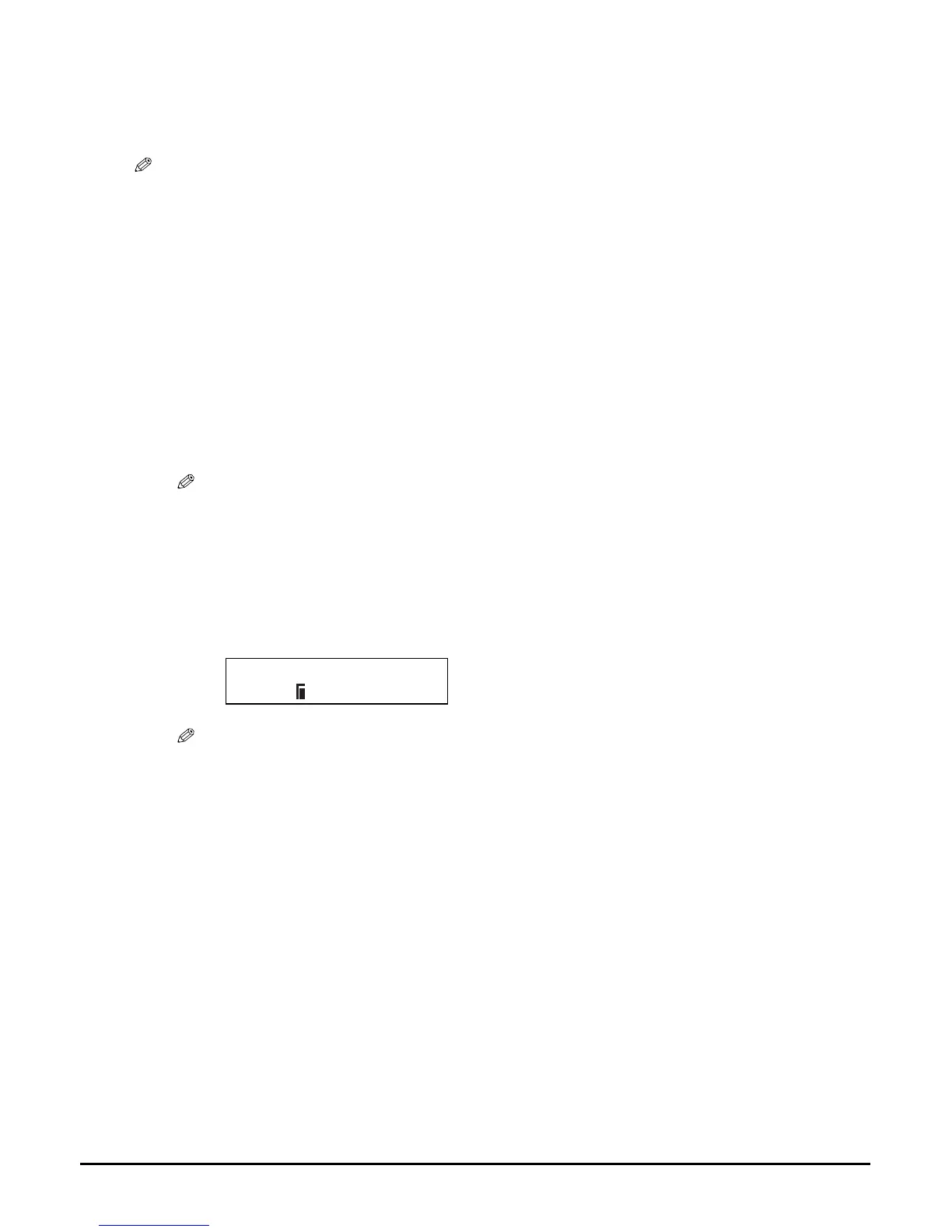
• When you insert a memory card registered with DPOF settings, the LCD will automatically
display <DPOF>.
NOTE
• If you press [Menu] and then [OK/Set] after inserting a memory card, you can set the print
media size and type before printing. When you are finished setting, press [Color] to start DPOF
printing.
• With this machine, you can add the following settings to the DPOF settings:
–Print media size
–Print media type
–Borderless printing
–Vivid photo printing
Ex:
[DPOF]
PRO A4














 To Next Page