Chapter 7 Becoming Familiar with the Software 84
Software components
The following components are installed when you install the software. For the functions of each
type of software, see Software Guide or the manual supplied with each software.
MP Drivers
z Printer driver (See Software Guide.)
Enables you to print from any Windows application that supports printing.
z Scanner driver (ScanGear MP, WIA driver (only for Windows XP)) (See Software Guide.)
Enables you to scan an image to your computer.
MP Toolbox
Enables you to scan a document to your computer, and process and save it.
Utility Software
z Easy-PhotoPrint
z Easy-WebPrint
z ScanSoft OmniPage SE
z ArcSoft PhotoStudio
z Adobe Acrobat Reader
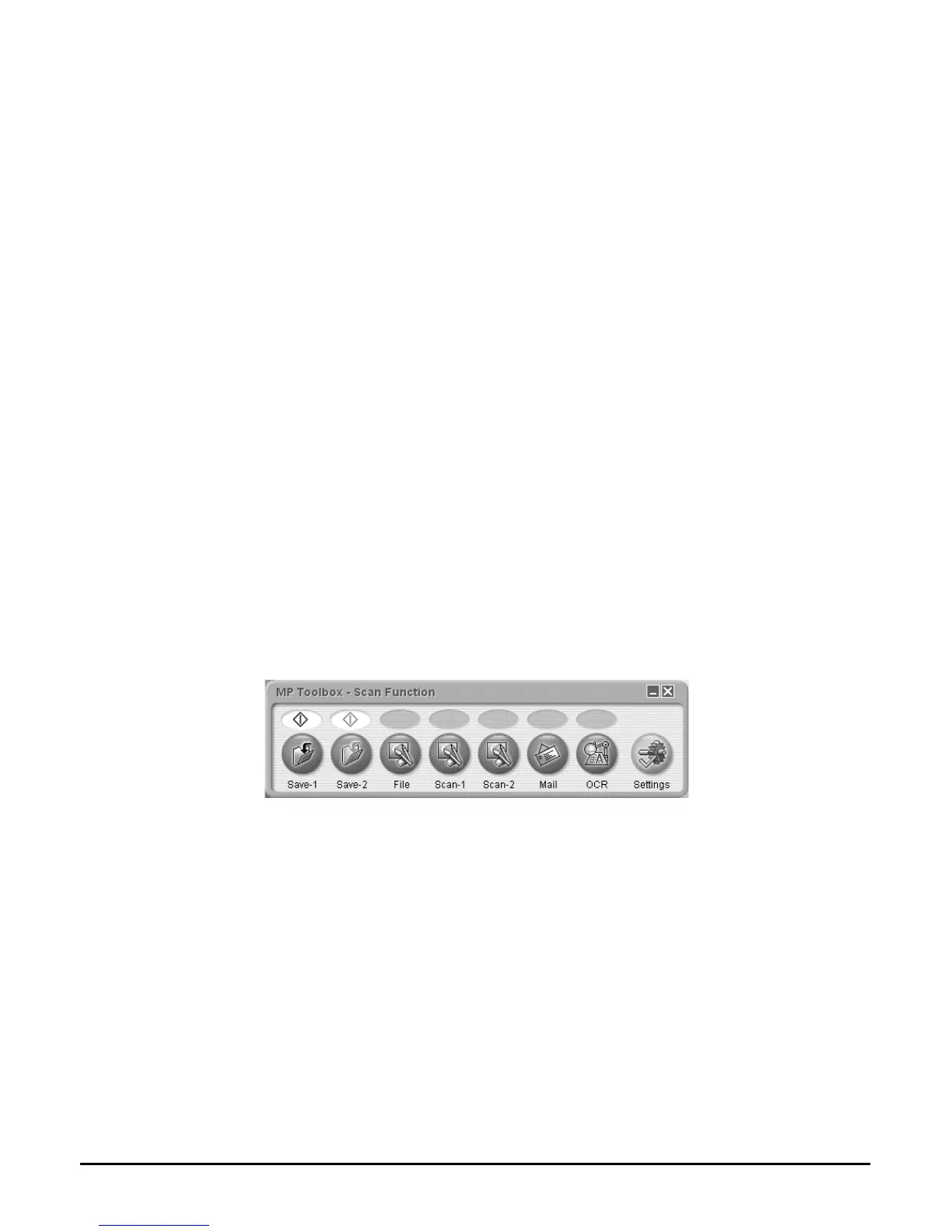
Using the MP Toolbox to scan images
Double-clicking the [Canon MP Toolbox 4.1] icon on the Windows desktop opens the MP
Toolbox. The MP Toolbox enables you to scan a document and images to your computer, and
process and save it. (See Software Guide.)
For more information on the functions and settings of the MP Toolbox, see page 92.













 To Next Page