Chapter 5 Photo Printing from a Memory Card (MP370) 54
Setting date printing
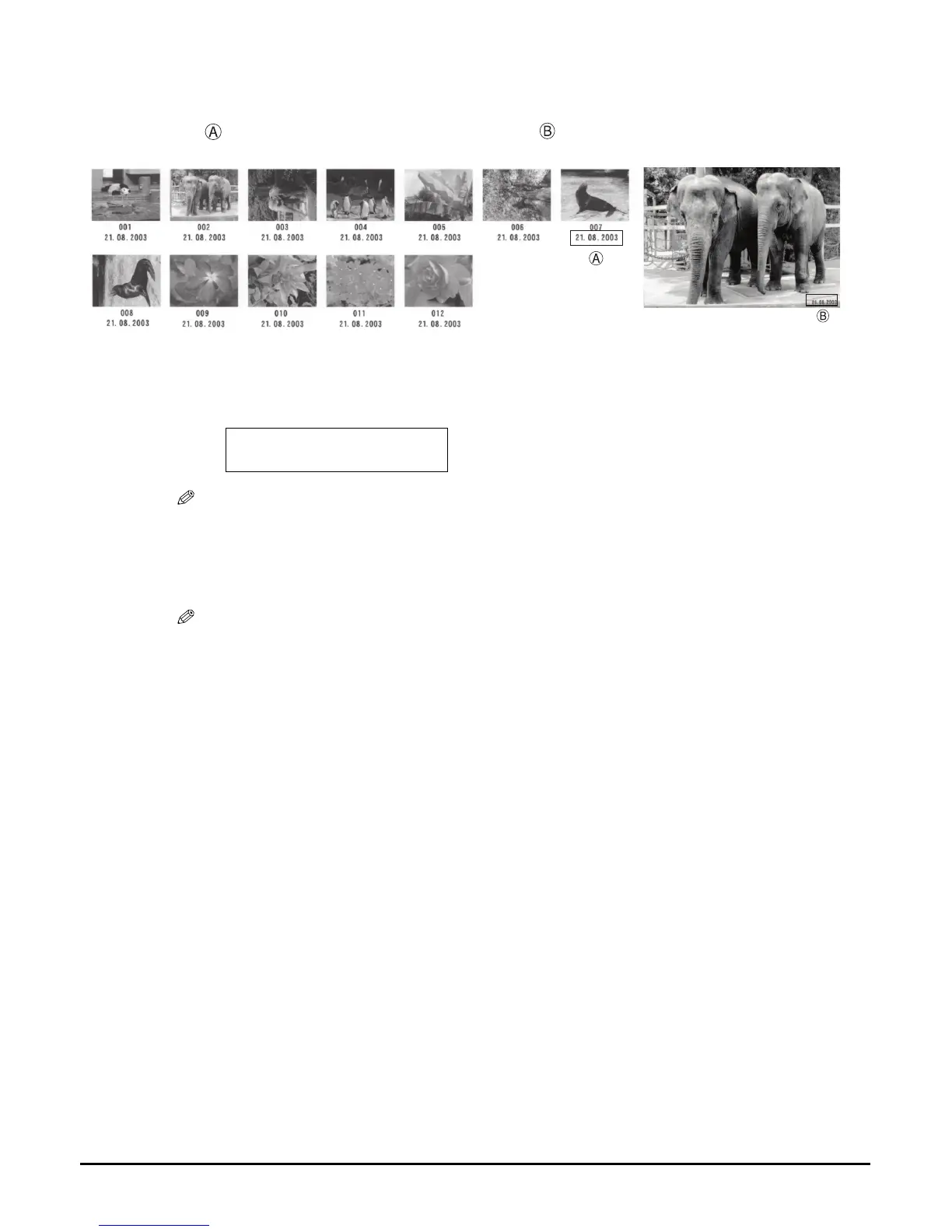
Enabling this setting will print the date, recorded by the digital camera, below each thumbnail on
an index or on the bottom right of the photograph .
z To enable/disable date printing:
1. While setting photo printing, <PRINT DATE> is displayed on the LCD.
NOTE
• The menu number may differ, depending on the photo print settings.
2. Use [] or [] to enable or disable date printing.
–OFF: Disables date printing.
–ON: Enables date printing.
NOTE
• Printing will take longer when this setting is enabled.
• You cannot set date printing from the machine for DPOF printing. (See page 75.)
Ex:
4.PRINT DATE
OFF














 To Next Page