Chapter 10 Maintenance 99
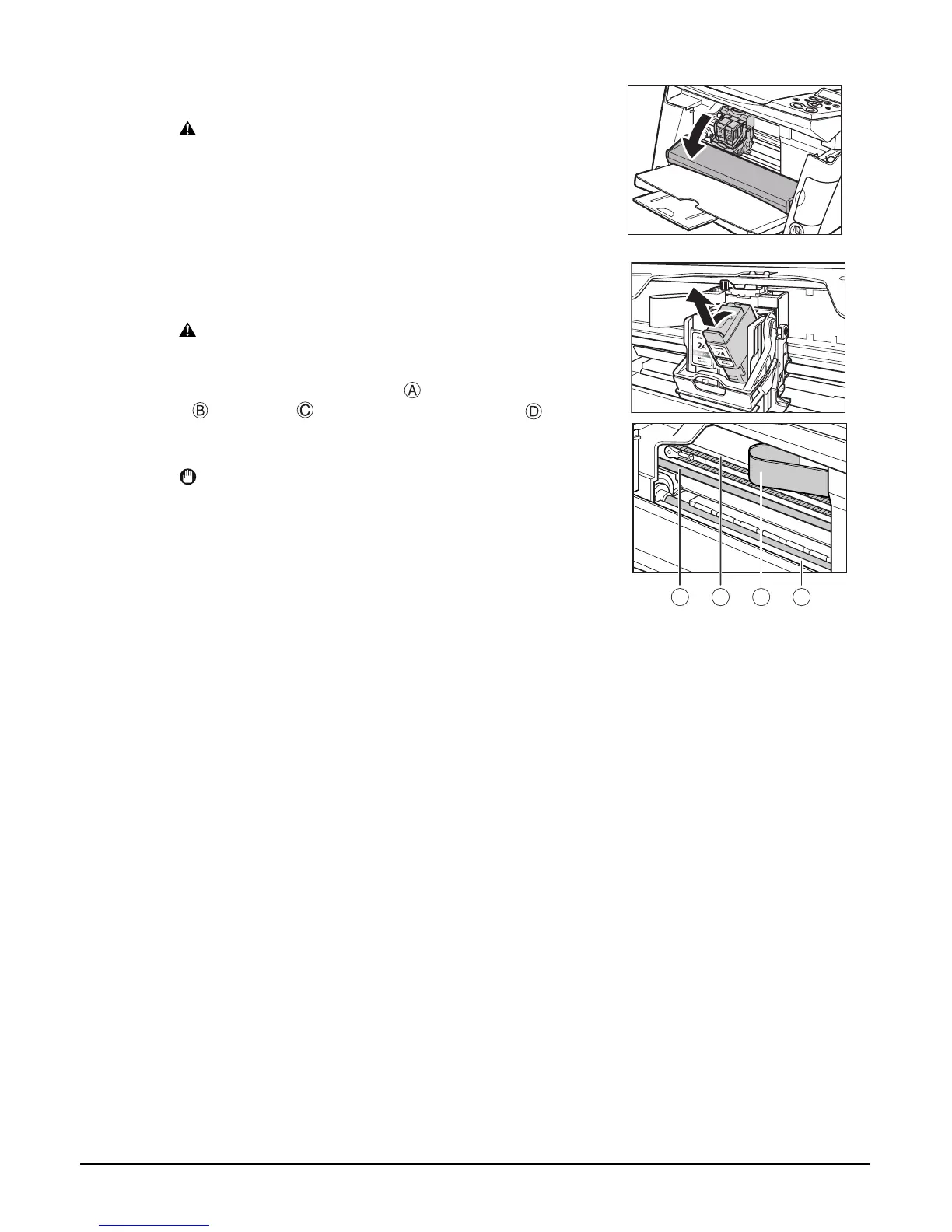
3 Open the inner cover.
CAUTION
• Do not try to manually move or stop the print head
holder.
• Do not touch any metal parts.
4 Hold the empty ink tank’s tab and pull
forward to release. Lift out the ink tank.
CAUTION
• Do not remove the print head from the machine.
• Remove one ink tank at a time.
• Do not touch the round shaft , transparent film
, film cable , ink absorber (sponge part) ,
or any metal parts.
IMPORTANT
• Discard the empty ink tank immediately according
to local laws and regulations for disposal of
consumables.
• Handle ink tanks carefully to avoid staining
clothing or the surrounding area.
A B C D














 To Next Page