Chapter 10 Maintenance 109
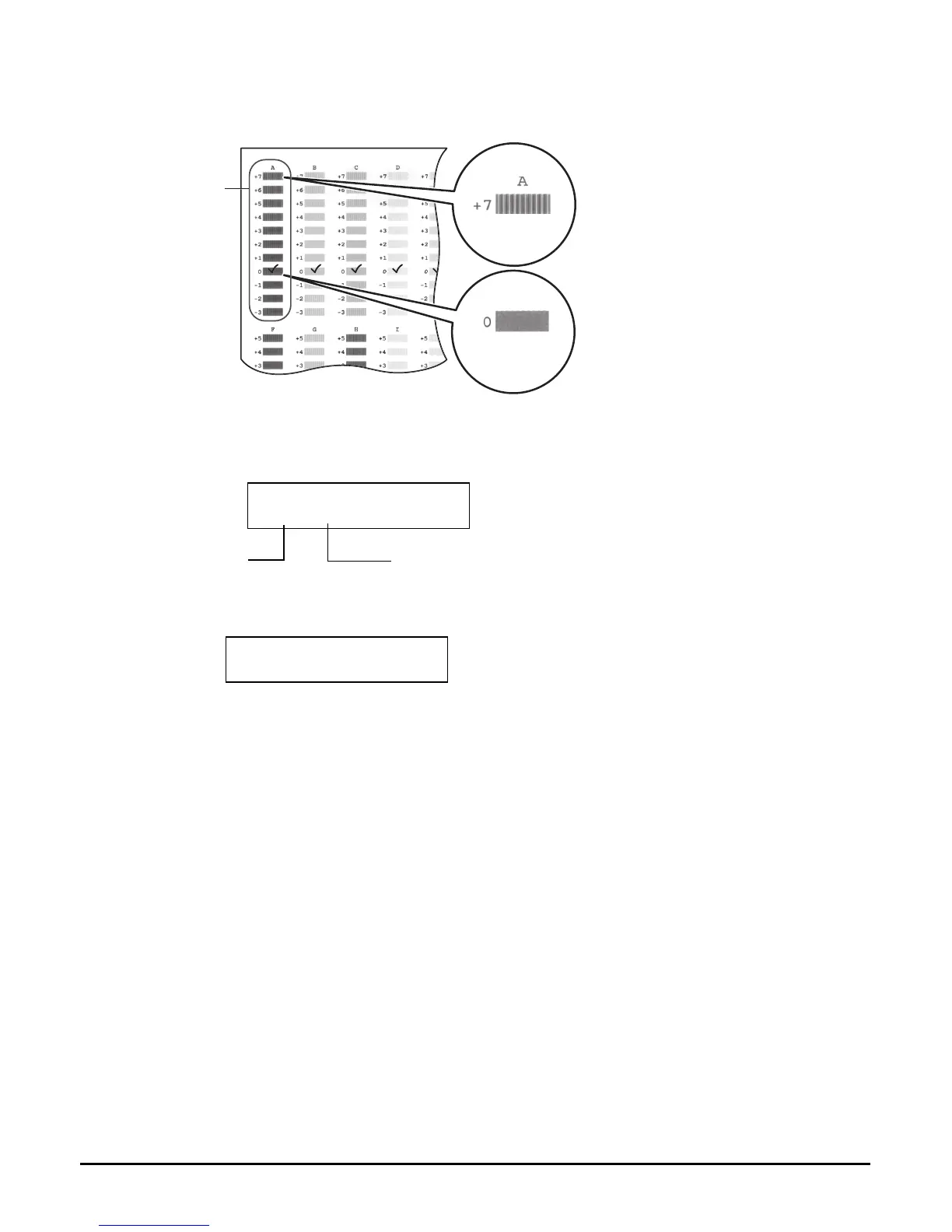
7 Beginning from column A on the printout, enter checkmarks in the
patterns that have the most solid image.
8 Use [
] or [
] to select the pattern number that you checked in column A
on the printout in step 7.
9 Press [OK/Set].
10 Repeat steps 8 and 9 for columns B to K.
Bad example
Least solid box
Good example
Most solid box
A column
Ex:
CHANGE H VALUE
A O
Column
Select pattern number with most solid image.
Ex:
CHANGE H VALUE
B O














 To Next Page