Chapter 4 Copying 42
5 Press [Menu] repeatedly until <5.SPECIAL COPY> appears.
6 Use [] or [] to select <IMAGE REPEAT>.
7 Press [OK/Set].
8 Use [] or [] to select <AUTO> or <MANUAL>.
z If you select <AUTO>:
1. Press [OK/Set].
2. Go to step 9.
z If you select <MANUAL>:
1. Decide the number of times you want to copy the image.
• You can select a maximum of four vertical repeats and four horizontal repeats.
IMPORTANT
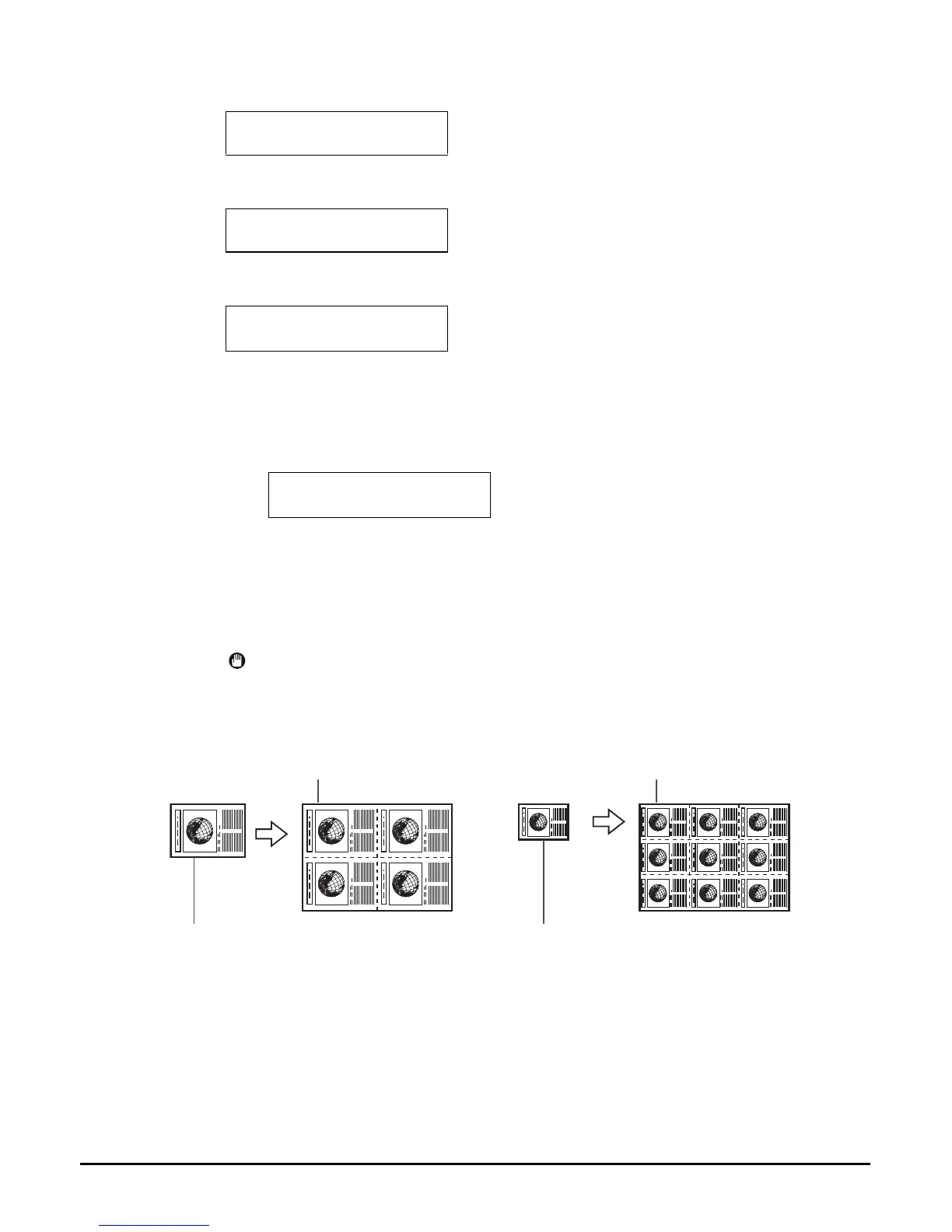
• Your original image must be no larger than one of the divisions. For example, if
you want to make four repeats of your image, the document must be no larger than
one quarter of the print media size you are copying on to.
5.SPECIAL COPY
2 on 1
5.SPECIAL COPY
IMAGE REPEAT
IMAGE REPEAT
AUTO
Ex:
100% A4 NORMAL
01
REPEAT AUTO
2 x 2 repeats
Printing result
3 x 3 repeats
Printing result
Document
Document














 To Next Page