Chapter 5 Photo Printing from a Memory Card (MP370) 50
IMPORTANT
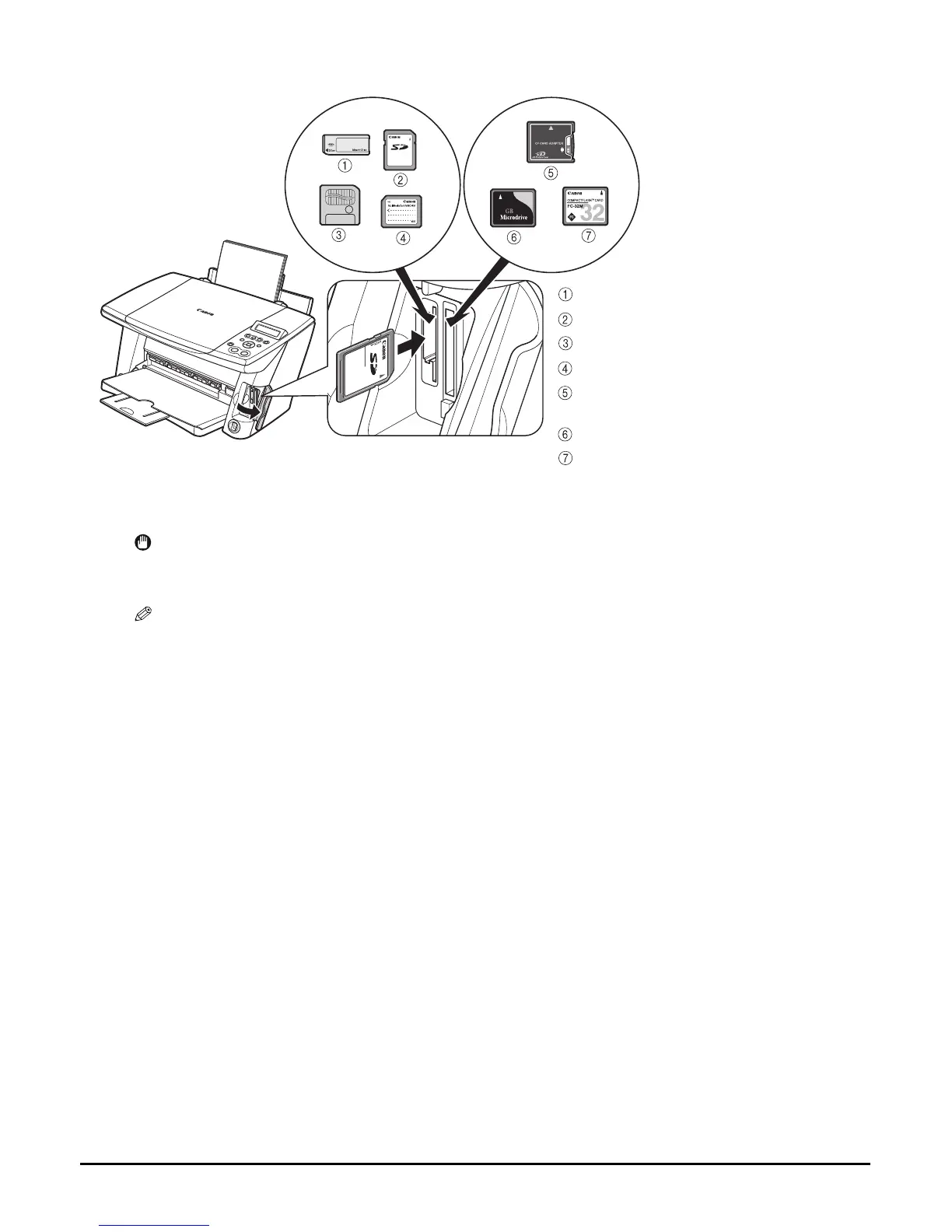
• When inserting the memory card or the CF card adaptor containing the memory card into the
card slot, insert it with its front side (labelled side) facing outside.
NOTE
• If the memory card cannot be read, check that:
–the memory card or CF card adaptor containing the memory card is inserted all the way into the card
slot.
–you are using a compatible memory card.
–your memory card contains image data.
MEMORY STICK
SD memory card
SmartMedia
Multimedia card
xD Picture card
(inserted into a CF card adaptor)
Microdrive memory card
CompactFlash Type I/II














 To Next Page