Chapter 5 Photo Printing from a Memory Card (MP370) 58
3. Press [OK/Set].
4. Use [] or [] to select the last recorded date of photographs you want to print.
5. Go to step 7.
7 Press [OK/Set].
• The machine prints the Photo Index Sheets.
NOTE
• If more than 30 photographs are to be printed, the machine prints them on more than one Photo
Index Sheet.
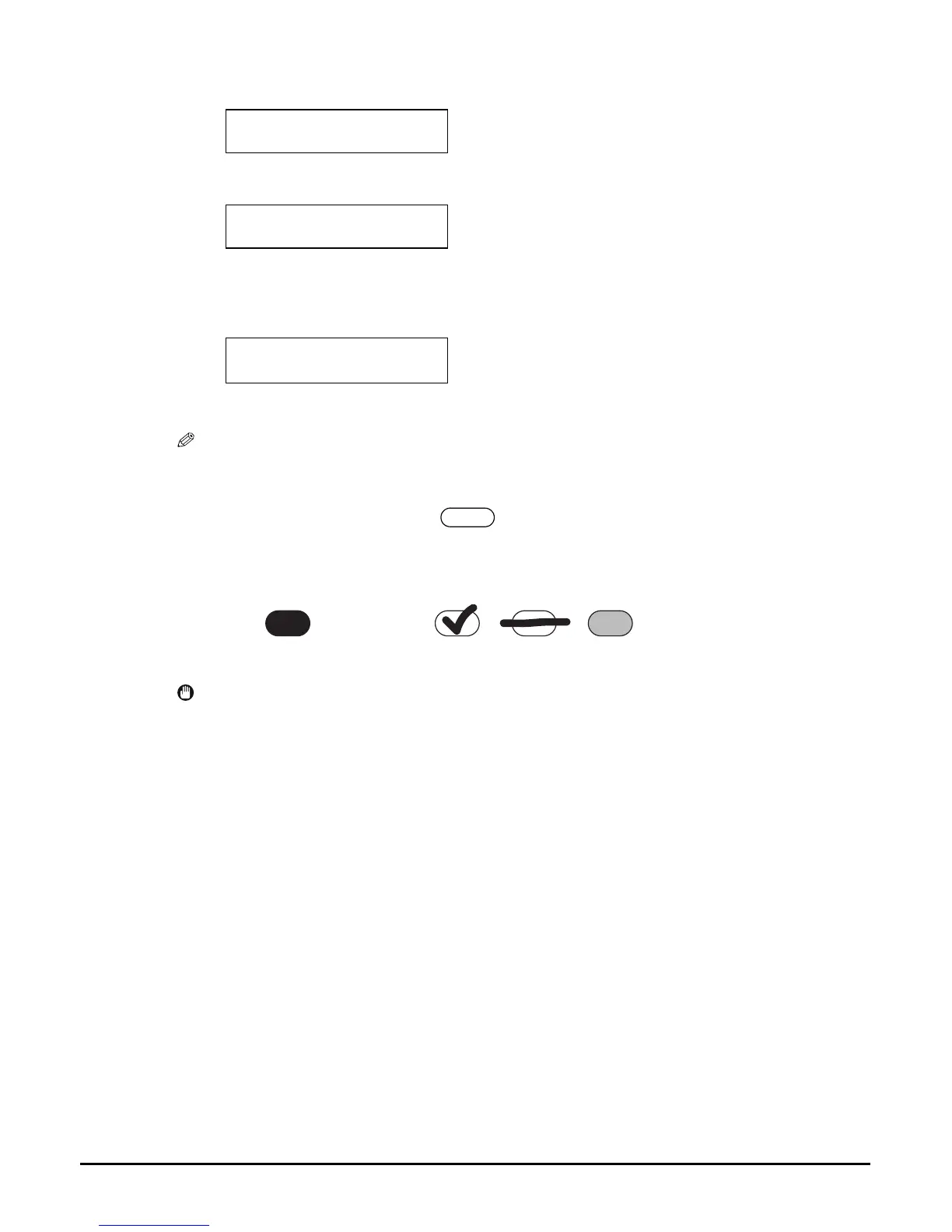
8 Fill in the appropriate circles ( ) with a dark pencil to select the
photographs to print and print settings.
IMPORTANT
• Be sure to fill a circle for every setting item (except options).
• If there is more than one Photo Index Sheet, fill all the sheets.
• If the filled circles on the Photo Index Sheet are not dark enough, the machine may not
read the settings.
Ex:
DATE: To
02/06/2003
Ex:
DATE: To
08/06/2003
Ex:
SHEET (LTR or A4)
PRINTING P.001/002
Good example
Bad example
Check mark
Line only
Light














 To Next Page