118
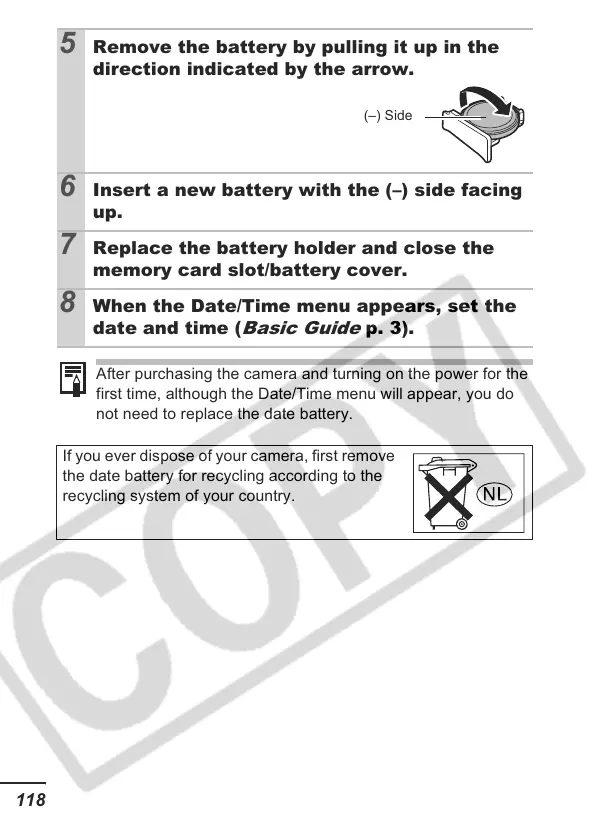
5 Remove the battery by pulling it up in the
direction indicated by the arrow.
6 Insert a new battery with the (–) side facing
up.
7 Replace the battery holder and close the
memory card slot/battery cover.
8 When the Date/Time menu appears, set the
date and time (
Basic Guide
p. 3).
After purchasing the camera and turning on the power for the
first time, although the Date/Time menu will appear, you do
not need to replace the date battery.
If you ever dispose of your camera, first remove
the date battery for recycling according to the
recycling system of your country.
(–) Side













 To Next Page