32
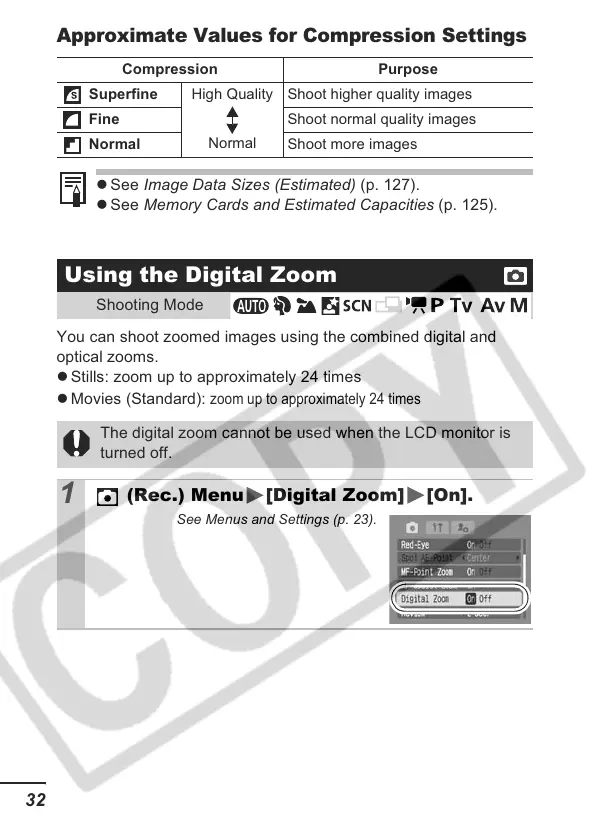
Approximate Values for Compression Settings
You can shoot zoomed images using the combined digital and
optical zooms.
z Stills: zoom up to approximately 24 times
z Movies (Standard):
zoom up to approximately 24 times
Compression Purpose
Superfine
High Quality
Normal
Shoot higher quality images
Fine Shoot normal quality images
Normal Shoot more images
z See Image Data Sizes (Estimated) (p. 127).
z See Memory Cards and Estimated Capacities (p. 125).
Using the Digital Zoom
Shooting Mode
The digital zoom cannot be used when the LCD monitor is
turned off.
1
(Rec.) Menu [Digital Zoom] [On].
See Menus and Settings (p. 23).













 To Next Page