80
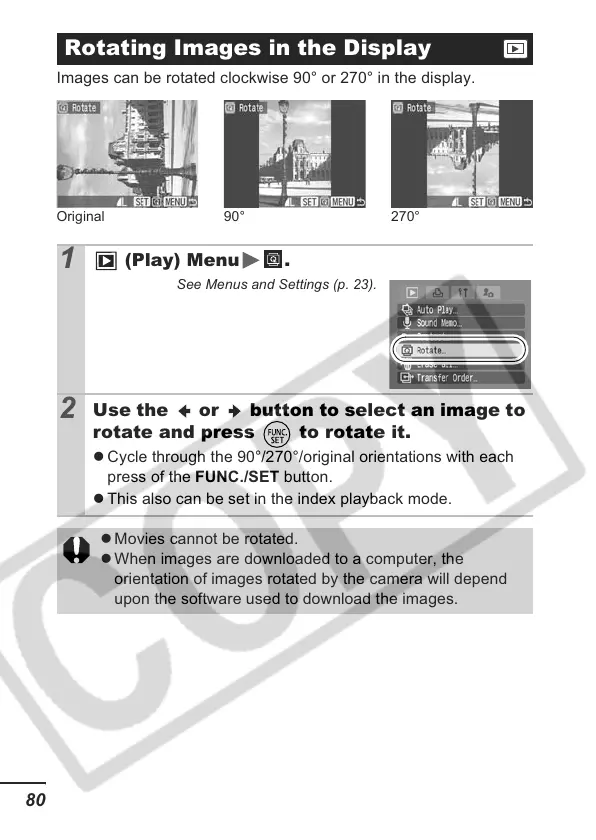
Images can be rotated clockwise 90° or 270° in the display.
Rotating Images in the Display
1
(Play) Menu .
See Menus and Settings (p. 23).
2
Use the or button to select an image to
rotate and press to rotate it.
z Cycle through the 90°/270°/original orientations with each
press of the FUNC./SET button.
z This also can be set in the index playback mode.
z Movies cannot be rotated.
z When images are downloaded to a computer, the
orientation of images rotated by the camera will depend
upon the software used to download the images.
Original 90° 270°













 To Next Page