53
Shooting
To Release the AE Lock
Operate a button other than the or button.
You can lock the flash exposure so that the exposure settings are
correctly set regardless of the composition of your subject.
To Release the FE Lock
Operate a button other than the or button.
2
Focus on the part of the subject on which
you wish to lock the exposure setting.
3
Press and hold the shutter button halfway
and press the button.
z The icon will display.
4
Re-aim the camera to compose the shot as
desired and press the shutter button fully.
You can use the FE lock when using the flash (See below).
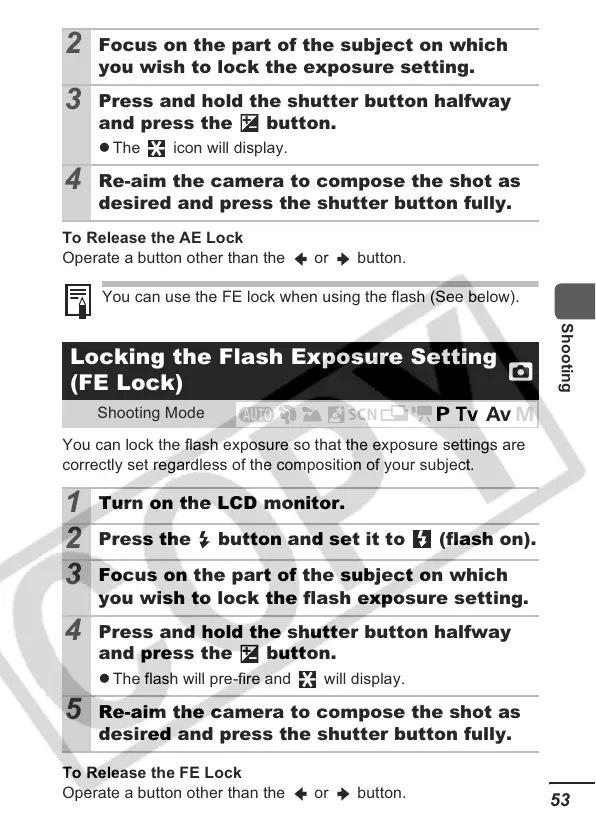
Locking the Flash Exposure Setting
(FE Lock)
Shooting Mode
1
Turn on the LCD monitor.
2
Press the button and set it to (flash on).
3
Focus on the part of the subject on which
you wish to lock the flash exposure setting.
4
Press and hold the shutter button halfway
and press the button.
z The flash will pre-fire and will display.
5
Re-aim the camera to compose the shot as
desired and press the shutter button fully.













 To Next Page