84
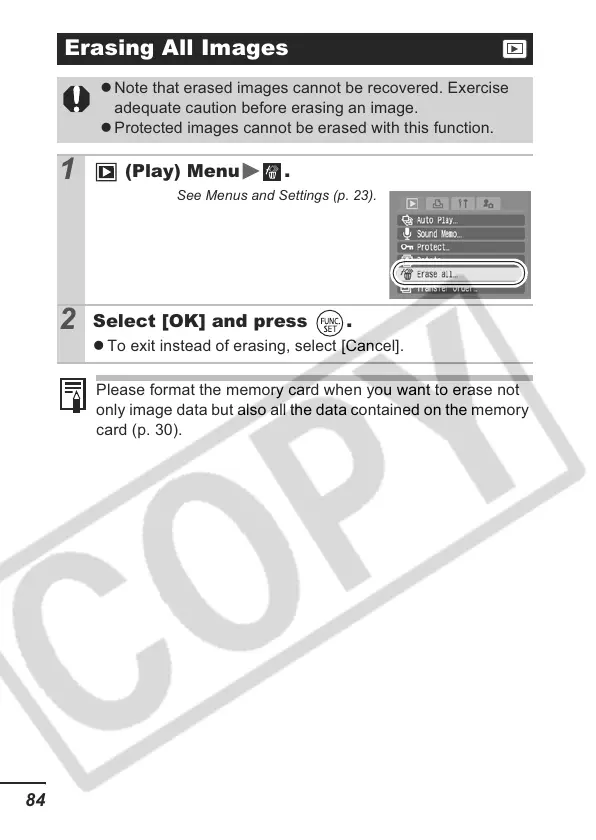
Erasing All Images
z Note that erased images cannot be recovered. Exercise
adequate caution before erasing an image.
z Protected images cannot be erased with this function.
1
(Play) Menu .
See Menus and Settings (p. 23).
2
Select [OK] and press .
z To exit instead of erasing, select [Cancel].
Please format the memory card when you want to erase not
only image data but also all the data contained on the memory
card (p. 30).













 To Next Page