19
Before Using the Camera – Basic Operations
The viewfinder can be used to conserve power by turning the LCD
monitor off (p. 15) while shooting.
Histogram Function
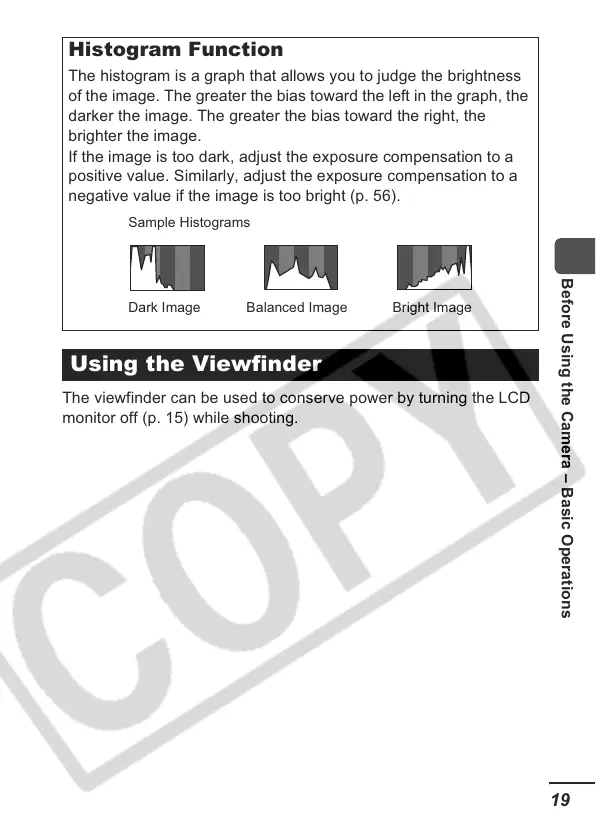
The histogram is a graph that allows you to judge the brightness
of the image. The greater the bias toward the left in the graph, the
darker the image. The greater the bias toward the right, the
brighter the image.
If the image is too dark, adjust the exposure compensation to a
positive value. Similarly, adjust the exposure compensation to a
negative value if the image is too bright (p. 56).
Using the Viewfinder
Sample Histograms
Balanced ImageDark Image Bright Image













 To Next Page