52
To Cancel the Manual Focus
Press the button.
You can set the exposure and focus separately. This is effective
when the contrast is too strong between the subject and
background or when a subject is backlit.
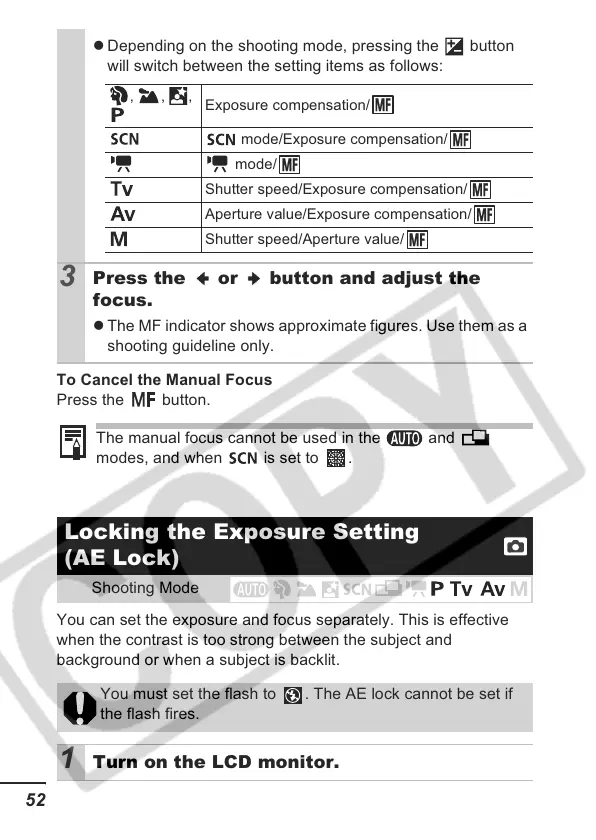
z Depending on the shooting mode, pressing the button
will switch between the setting items as follows:
3
Press the or button and adjust the
focus.
z The MF indicator shows approximate figures. Use them as a
shooting guideline only.
The manual focus cannot be used in the and
modes, and when is set to .
Locking the Exposure Setting
(AE Lock)
Shooting Mode
You must set the flash to . The AE lock cannot be set if
the flash fires.
1 Turn on the LCD monitor.
, , ,
Exposure compensation/
mode/Exposure compensation/
mode/
Shutter speed/Exposure compensation/
Aperture value/Exposure compensation/
Shutter speed/Aperture value/













 To Next Page