30
You should always format a new memory card or one from which
you wish to erase all images and other data.
Formatting Memory Cards
Please note that formatting (initializing) a memory card erases
all data, including protected images and other file types.
1
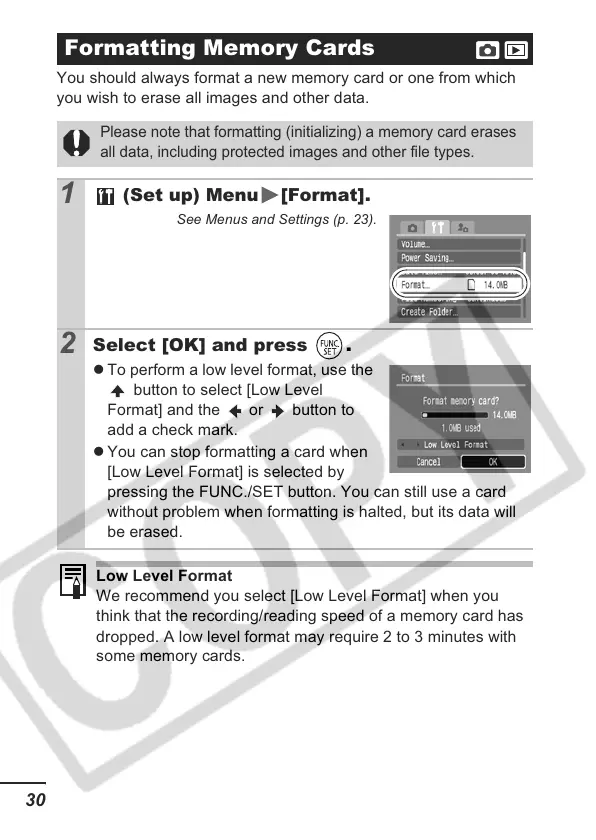
(Set up) Menu [Format].
See Menus and Settings (p. 23).
2
Select [OK] and press .
z To perform a low level format, use the
button to select [Low Level
Format] and the or button to
add a check mark.
z You can stop formatting a card when
[Low Level Format] is selected by
pressing the FUNC./SET button. You can still use a card
without problem when formatting is halted, but its data will
be erased.
Low Level Format
We recommend you select [Low Level Format] when you
think that the recording/reading speed of a memory card has
dropped. A low level format may require 2 to 3 minutes with
some memory cards.













 To Next Page