1
Conventions Used in this Guide
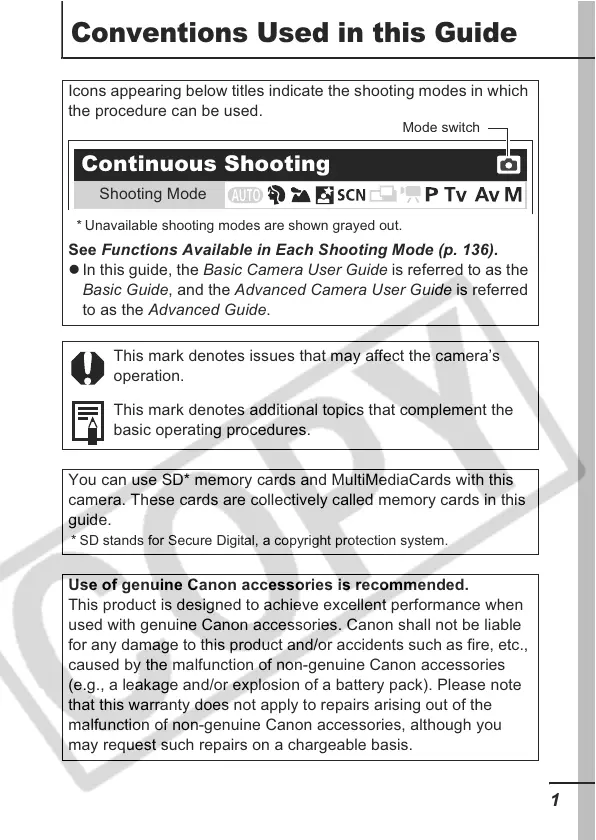
Icons appearing below titles indicate the shooting modes in which
the procedure can be used.
See Functions Available in Each Shooting Mode (p. 136).
z In this guide, the Basic Camera User Guide is referred to as the
Basic Guide, and the Advanced Camera User Guide is referred
to as the Advanced Guide.
This mark denotes issues that may affect the camera’s
operation.
This mark denotes additional topics that complement the
basic operating procedures.
You can use SD* memory cards and MultiMediaCards with this
camera. These cards are collectively called memory cards in this
guide.
* SD stands for Secure Digital, a copyright protection system.
Use of genuine Canon accessories is recommended.
This product is designed to achieve excellent performance when
used with genuine Canon accessories. Canon shall not be liable
for any damage to this product and/or accidents such as fire, etc.,
caused by the malfunction of non-genuine Canon accessories
(e.g., a leakage and/or explosion of a battery pack). Please note
that this warranty does not apply to repairs arising out of the
malfunction of non-genuine Canon accessories, although you
may request such repairs on a chargeable basis.
* Unavailable shooting modes are shown grayed out.
Continuous Shooting
Shooting Mode
Mode switch













 To Next Page