0
Main Features
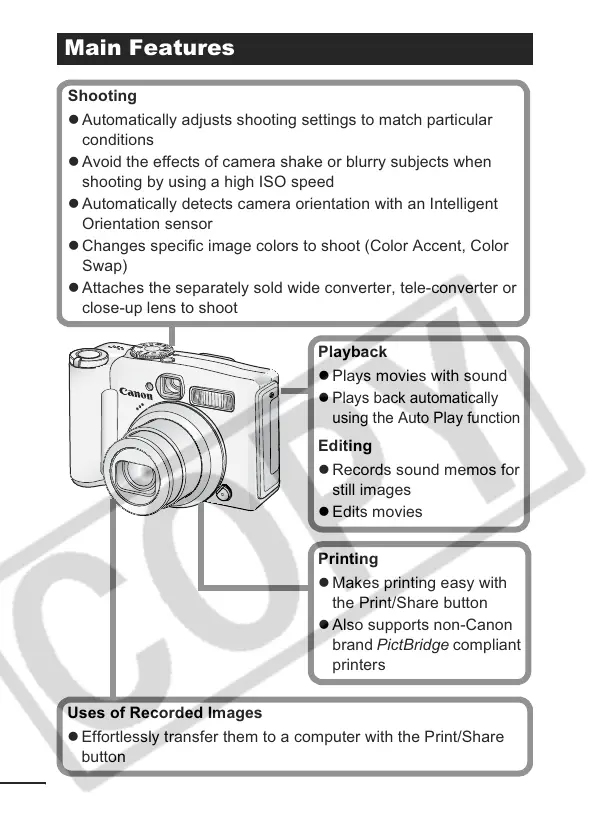
Shooting
z Automatically adjusts shooting settings to match particular
conditions
z Avoid the effects of camera shake or blurry subjects when
shooting by using a high ISO speed
z Automatically detects camera orientation with an Intelligent
Orientation sensor
z Changes specific image colors to shoot (Color Accent, Color
Swap)
z Attaches the separately sold wide converter, tele-converter or
close-up lens to shoot
Playback
z Plays movies with sound
z
Plays back automatically
using the Auto Play function
Editing
z Records sound memos for
still images
z Edits movies
Printing
z Makes printing easy with
the Print/Share button
z Also supports non-Canon
brand PictBridge compliant
printers
Uses of Recorded Images
z Effortlessly transfer them to a computer with the Print/Share
button













 To Next Page