36
Embedding the Date in the Image Data
You can embed the date in image data when (Postcard
Date Imprint Mode) is selected.
1
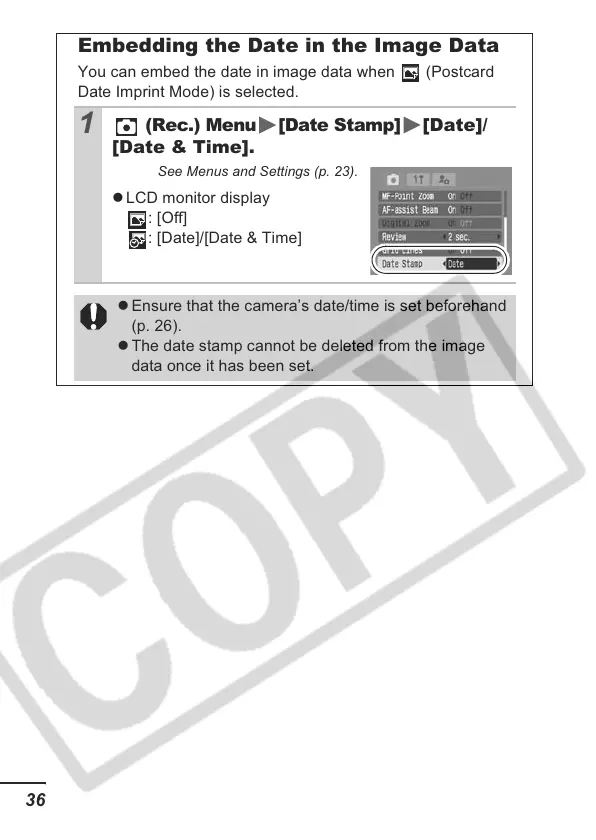
(Rec.) Menu [Date Stamp] [Date]/
[Date & Time].
See Menus and Settings (p. 23).
z LCD monitor display
: [Off]
: [Date]/[Date & Time]
z Ensure that the camera’s date/time is set beforehand
(p. 26).
z The date stamp cannot be deleted from the image
data once it has been set.













 To Next Page