79
Playback/Erasing
4
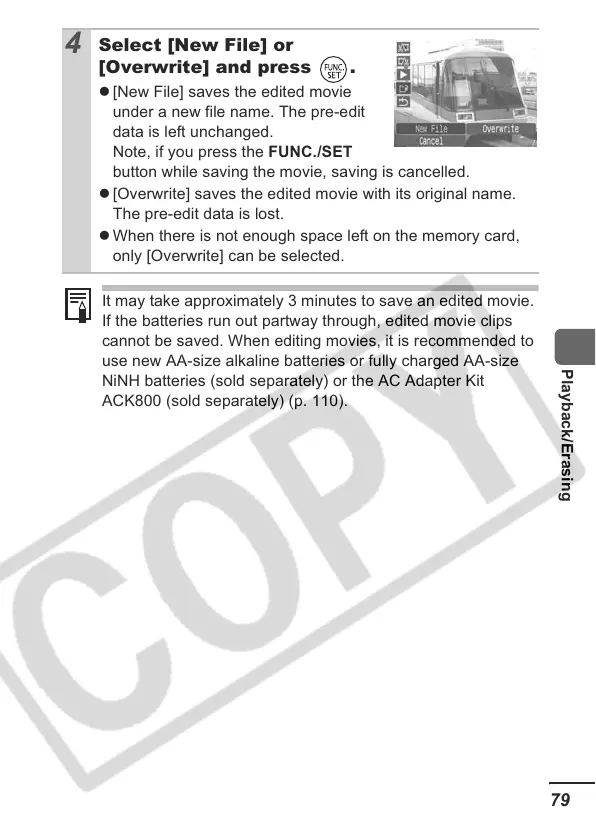
Select [New File] or
[Overwrite] and press .
z [New File] saves the edited movie
under a new file name. The pre-edit
data is left unchanged.
Note, if you press the FUNC./SET
button while saving the movie, saving is cancelled.
z [Overwrite] saves the edited movie with its original name.
The pre-edit data is lost.
z When there is not enough space left on the memory card,
only [Overwrite] can be selected.
It may take approximately 3 minutes to save an edited movie.
If the batteries run out partway through, edited movie clips
cannot be saved. When editing movies, it is recommended to
use new AA-size alkaline batteries or fully charged AA-size
NiNH batteries (sold separately) or the AC Adapter Kit
ACK800 (sold separately) (p. 110).













 To Next Page