41
Shooting
QuickTime 3.0 or later is required to play back movies (Data
type: AVI/Compression method: Motion JPEG) on a
computer. QuickTime (for Windows) is included on the Canon
Digital Camera Solution Disk. On the Macintosh platform, this
program is standard with Mac OS X or later.
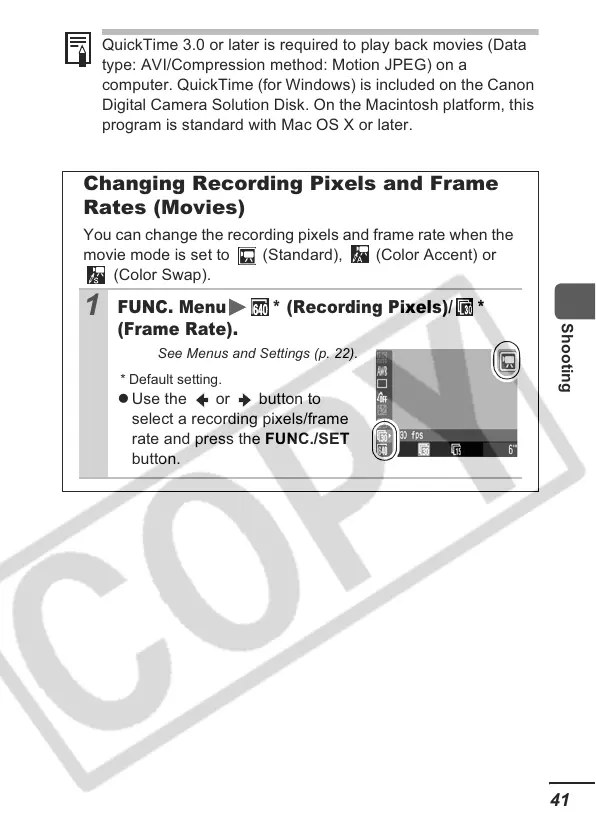
Changing Recording Pixels and Frame
Rates (Movies)
You can change the recording pixels and frame rate when the
movie mode is set to (Standard), (Color Accent) or
(Color Swap).
1
FUNC. Menu * (Recording Pixels)/ *
(Frame Rate).
See Menus and Settings (p. 22).
* Default setting.
z Use the or button to
select a recording pixels/frame
rate and press the FUNC./SET
button.













 To Next Page