63
Shooting
Shooting in the Color Accent Mode
1
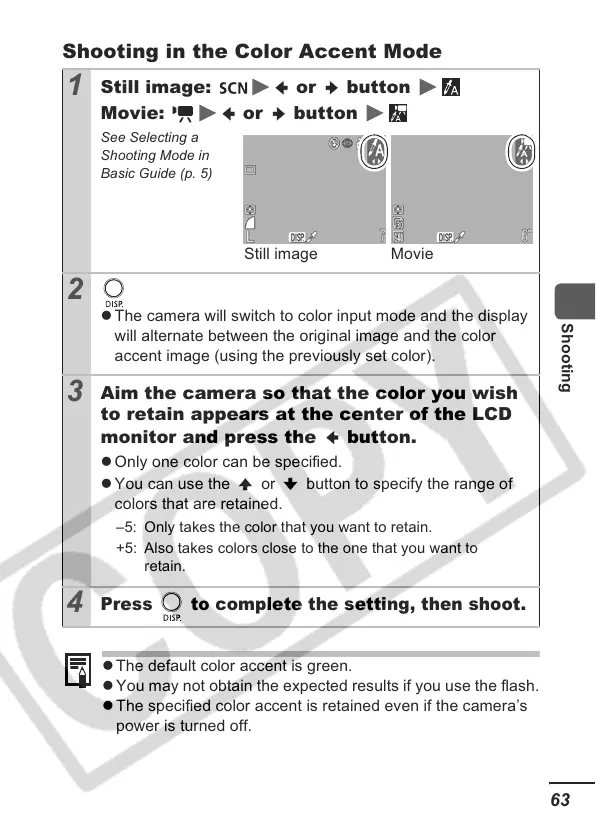
Still image: or button
Movie: or button
See Selecting a
Shooting Mode in
Basic Guide (p. 5)
2
z The camera will switch to color input mode and the display
will alternate between the original image and the color
accent image (using the previously set color).
3
Aim the camera so that the color you wish
to retain appears at the center of the LCD
monitor and press the button.
z Only one color can be specified.
z You can use the or button to specify the range of
colors that are retained.
4
Press to complete the setting, then shoot.
z The default color accent is green.
z You may not obtain the expected results if you use the flash.
z The specified color accent is retained even if the camera’s
power is turned off.
Still image Movie
–5: Only takes the color that you want to retain.
+5: Also takes colors close to the one that you want to
retain.













 To Next Page