71
Shooting
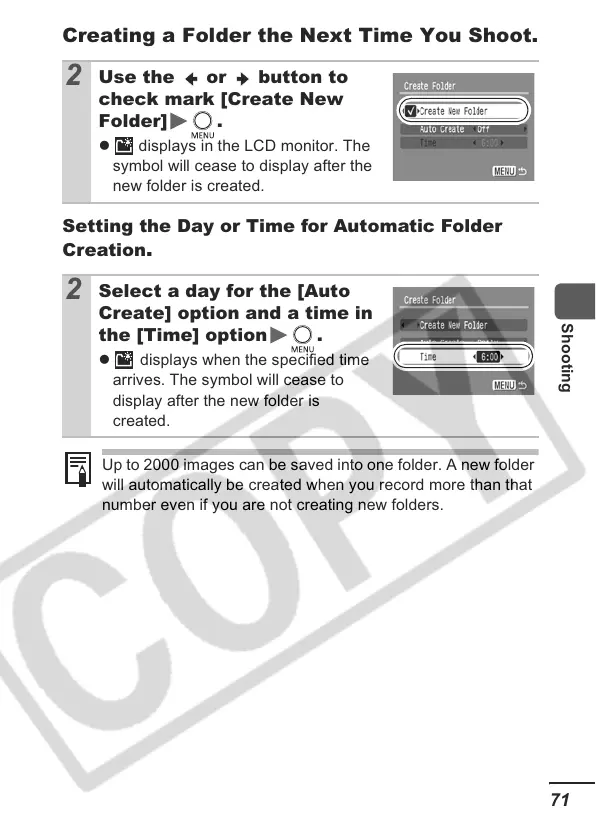
Creating a Folder the Next Time You Shoot.
Setting the Day or Time for Automatic Folder
Creation
.
2
Use the or button to
check mark [Create New
Folder] .
z displays in the LCD monitor. The
symbol will cease to display after the
new folder is created.
2
Select a day for the [Auto
Create] option and a time in
the [Time] option .
z displays when the specified time
arrives. The symbol will cease to
display after the new folder is
created.
Up to 2000 images can be saved into one folder. A new folder
will automatically be created when you record more than that
number even if you are not creating new folders.













 To Next Page