89
Print Settings/Transfer Settings
Single Images
All the Images on a Memory Card
2
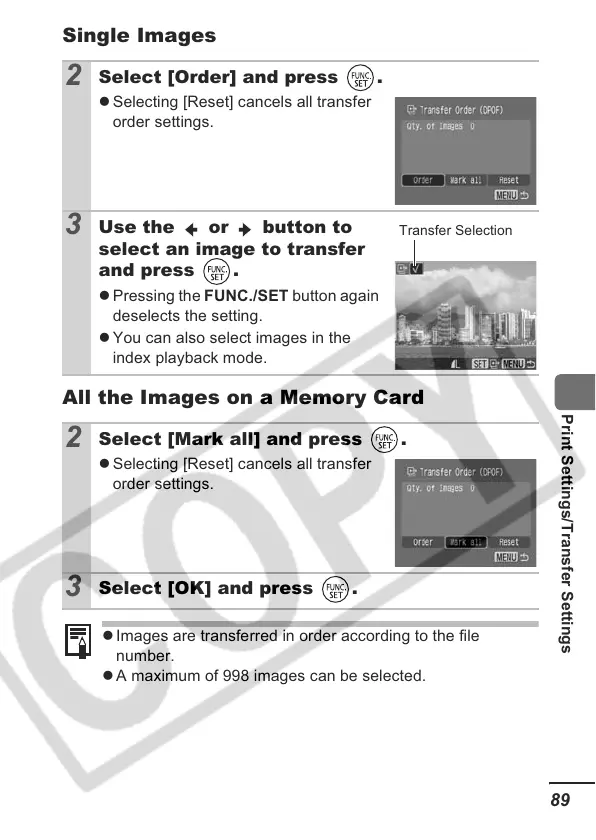
Select [Order] and press .
z Selecting [Reset] cancels all transfer
order settings.
3
Use the or button to
select an image to transfer
and press .
z Pressing the FUNC./SET button again
deselects the setting.
z You can also select images in the
index playback mode.
2
Select [Mark all] and press .
z Selecting [Reset] cancels all transfer
order settings.
3
Select [OK] and press .
z Images are transferred in order according to the file
number.
z A maximum of 998 images can be selected.
Transfer Selection













 To Next Page