73
Backing Up on External Media
6
Using External Media
5
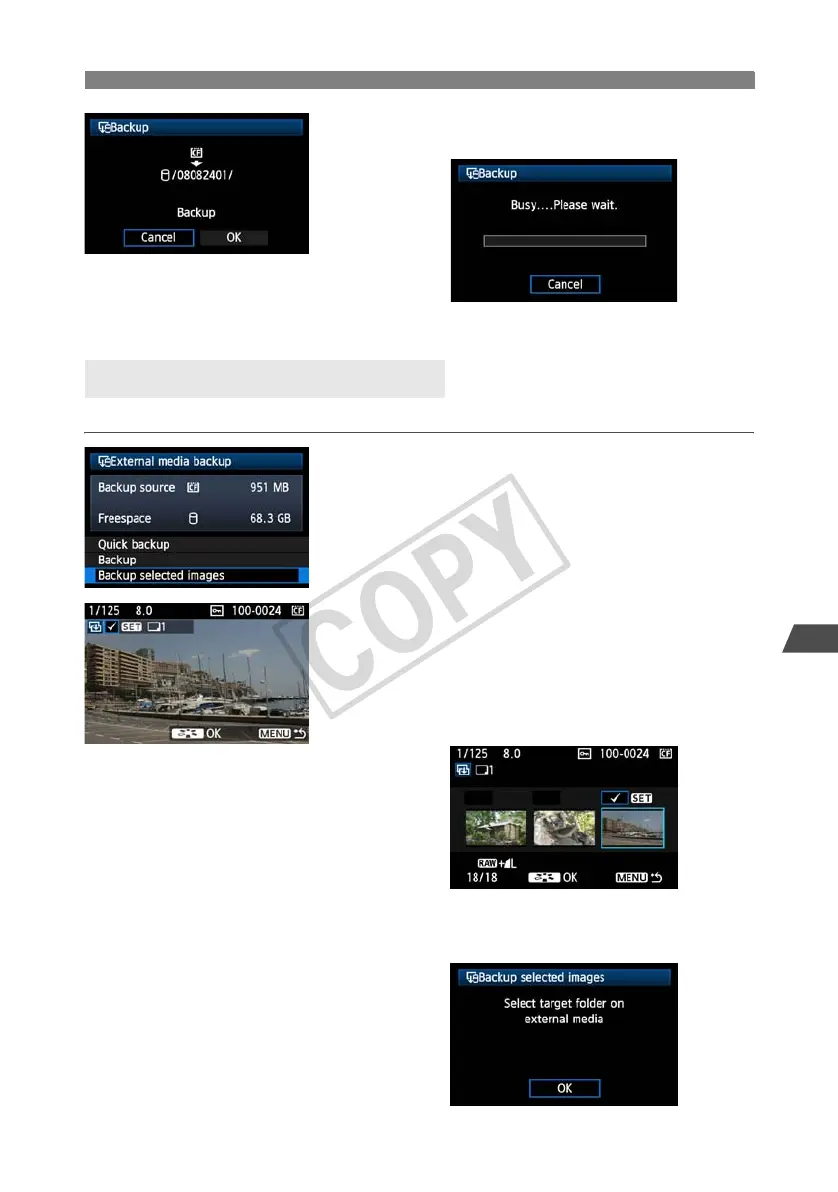
Select [OK].
X The backup process now begins.
When the message indicating completion is
displayed, select [OK].
Only the necessary images can be selected for backup to external media.
1
Select [Backup selected images].
2
Select the images for backup.
Turn the <
5
> dial to select the image, and then
press <
0
>.
X <X> is displayed at the top left of the image to be
backed up.
Press the <
y
> button to display three images per screen.
Press the <
u
> button to display one image per screen again.
After the images for backup are selected, press
the <A> button.
X Select [OK] in the displayed screen.
Selecting Images for Backup



 To Next Page