74
Backing Up on External Media
3
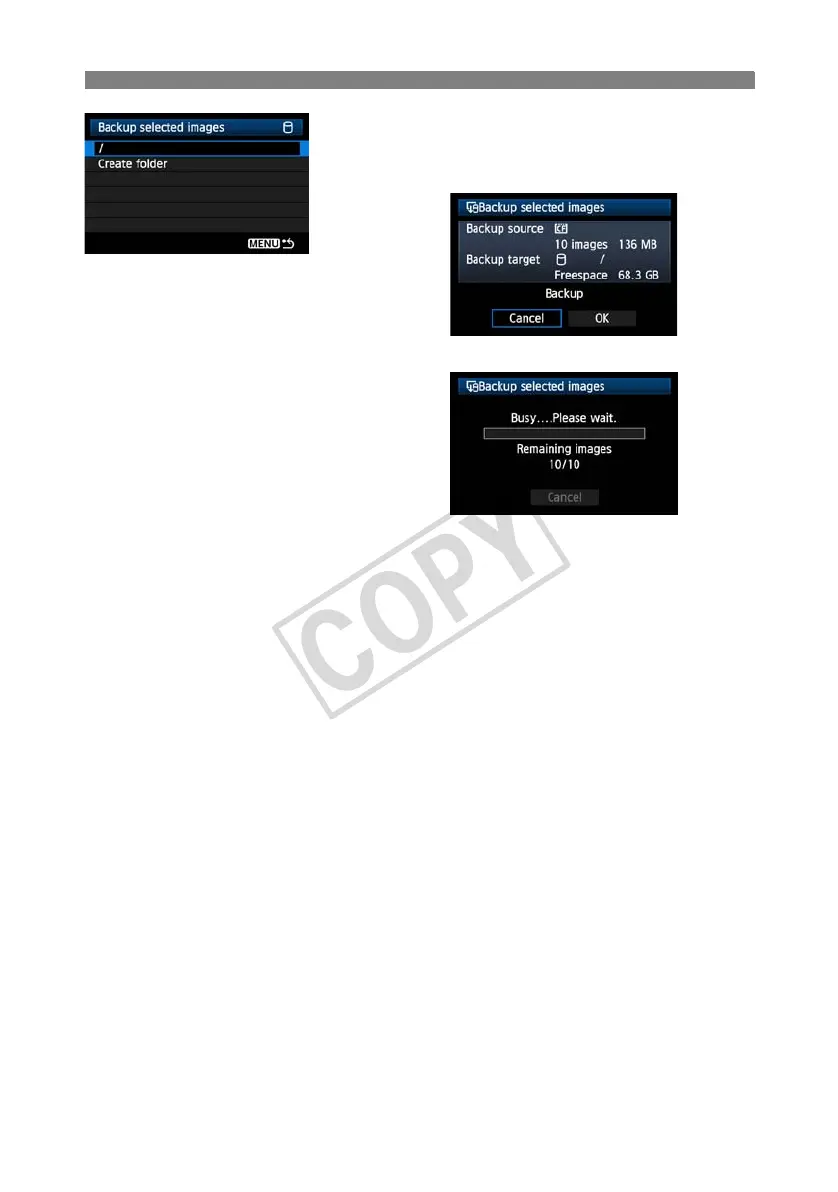
Select [/], and then press the <7>
button.
X Select [OK] in the displayed screen.
X Backup of the images will be started.
The images are stored into the DCIM folder
created where the external media is opened (that
is, root directory).
When backing up to a selected folder in external
media, select [Create folder]. For details, see
steps 3 and 4 on page 72.



 To Next Page