97
WFT Utility (Software)
9
Reference
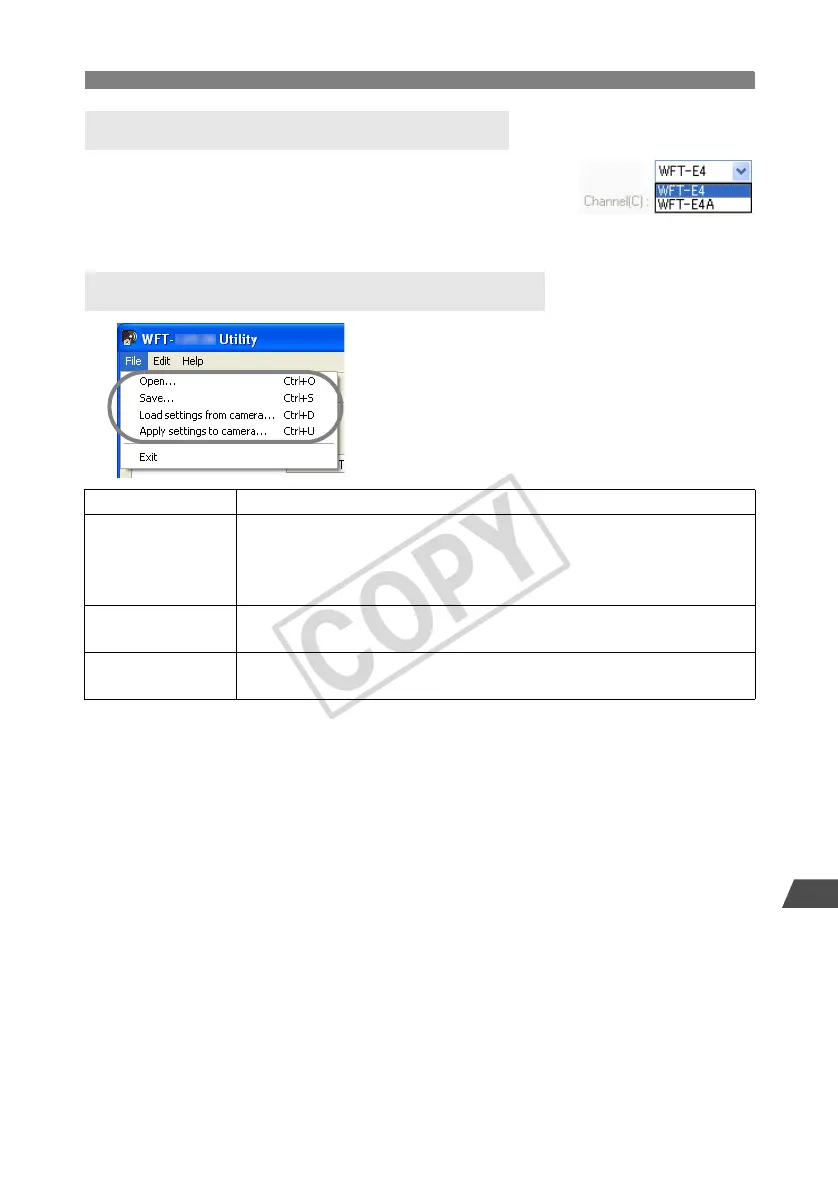
When setting the wireless LAN channel on the [Wireless LAN
settings] tab, first select [WFT-E4] or [WFT-E4A]. The WFT-E4
supports 13 channels, and the WFT-E4A, 11 channels.
Keep in mind that the WFT-E4A cannot be used on channels 12 and
13 as the [WFT-E4] can.
Settings files can be used as follows.
Setting the Wireless LAN Channel
Wireless or Wired LAN Settings Files
Open Open a settings file saved on the computer or a CF card.
Save
Save the settings file on the computer or a CF card. The [Settings name] is
used as the file name.
For instructions on applying a settings file on a CF card to the camera, refer
to page 62.
Load settings from
camera
Load a settings file on the camera to the computer. The camera and
computer must be connected with the USB cable.
Apply settings to
camera
Apply the settings file to a camera. The camera and computer must be
connected with the USB cable.



 To Next Page