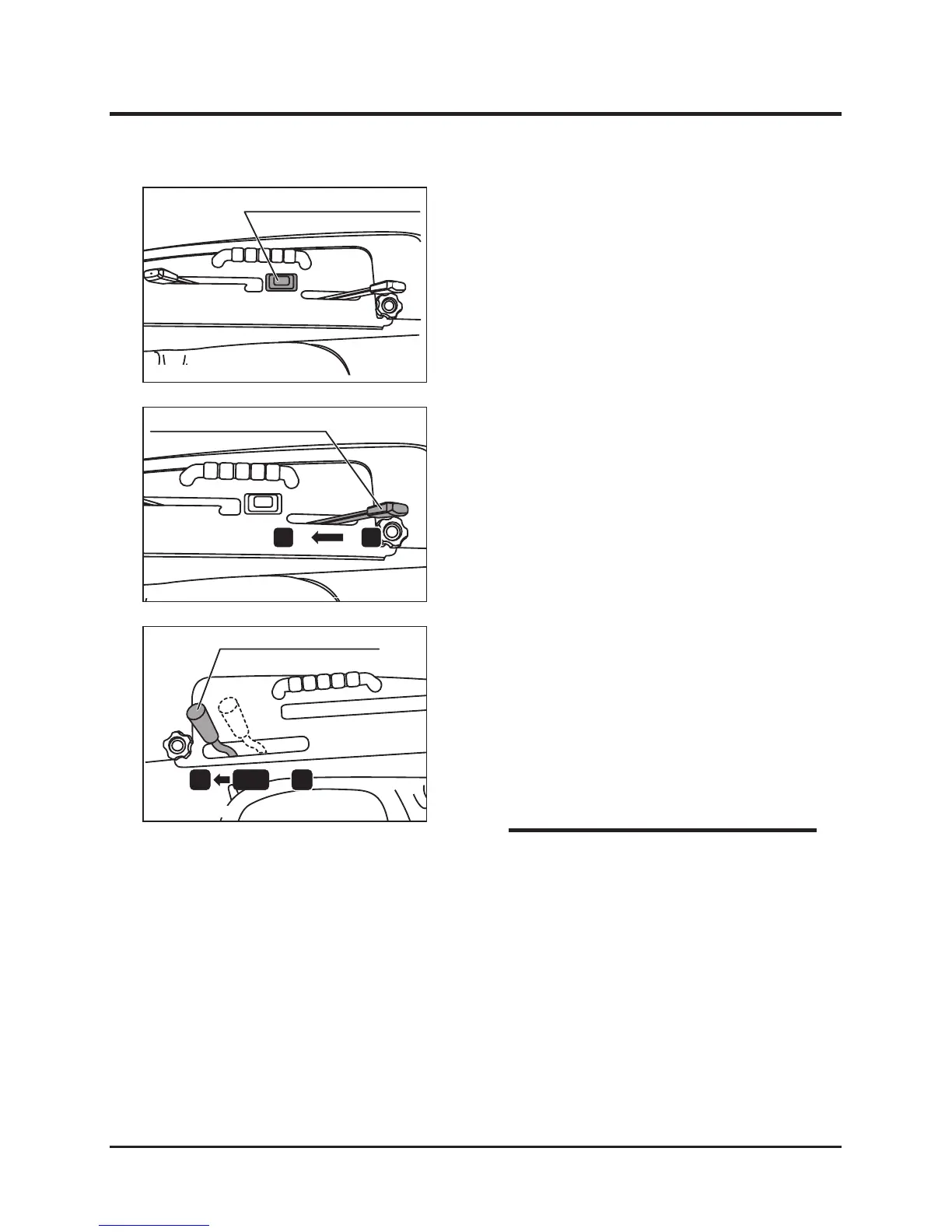
Rotary height adjusting switch
NOTE
* When first using machine after purchasing,
use on level area and slowly perform cutting
work in straight, slightly overlapping lines.
4. If necessary, change the blade height by
adjusting the rotary height adjusting switch.
5. Shift the accelerator lever to “HIGH” and
increase the rotation speed of the engine.
6. Shift the auxiliary speed change lever to
"LOW", and start the cutting work at low
running speed. (Adjust the running speed
according to work conditions.)
7. When the working load is heavy (due to cutting
a large amount of material), reduce running
speed or raise cutting height and cut two
times.
5314M-0603-010-E
5317M-0604-050-E
5314M-0602-030-E



 To Next Page